
A quick fix isn’t enough when a technology problem can stall your workday. IT support in Downtown Brea helps local businesses maintain systems, protect important data, and keep operations moving when issues arise. Support can bring together managed IT, cybersecurity, cloud services, network infrastructure, and backup planning.
You need technology that works quietly in the background, not another puzzle to solve between meetings. This guide explains what business IT support can cover, how ongoing support works, and which details shape the right setup for your team. You’ll also find practical ways to assess your needs and decide whether managed services make sense, so you can move forward with a clearer plan.
Key Takeaways
- Learn what managed IT can cover and how to match ongoing support to your business’s systems and needs.
- Understand which support issues may be handled remotely and when an on-site visit may be more useful.
- See why a provider’s office location and the support arrangement for your business are separate details to consider.
- Explore how managed IT, cybersecurity, cloud services, and network infrastructure can support a more dependable workplace.
Managed IT services for Orange County businesses
Managed IT services give Orange County businesses ongoing technology oversight, not just help after a failure. The right scope connects support, monitoring, security, and equipment planning to daily work.
Managed IT Support and Monitoring
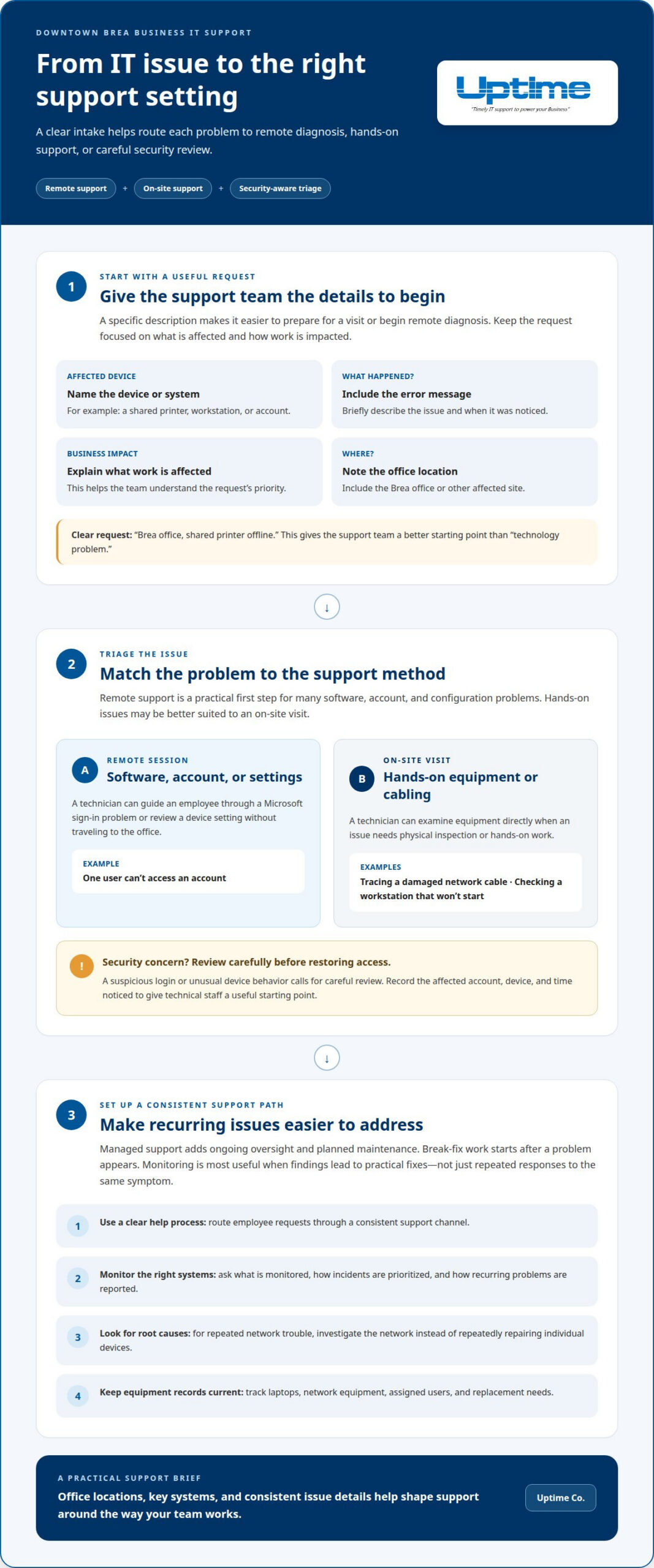
Managed support combines a clear help process with ongoing monitoring of business systems. For example, a team can review alerts, investigate recurring network issues, and route employee requests through a consistent support channel. Ask how incidents are prioritized, what systems are monitored, and how recurring problems are reported. Include Microsoft accounts and devices in that scope when your workplace relies on them. Monitoring is most useful when findings lead to practical fixes, such as addressing repeated login trouble instead of treating each request separately.
Choosing a Brea IT Provider
To choose business IT support in Brea, compare the support scope with your systems, work patterns, and security needs. Ask how routine requests, network problems, Microsoft environments, and equipment records are handled. If you’re a defense contractor, discuss access controls, security processes, and documentation needs when defining the support scope. Requirements vary by contract, so don’t assume one checklist fits every organization. Look for clear responsibilities and reporting that match your operations.
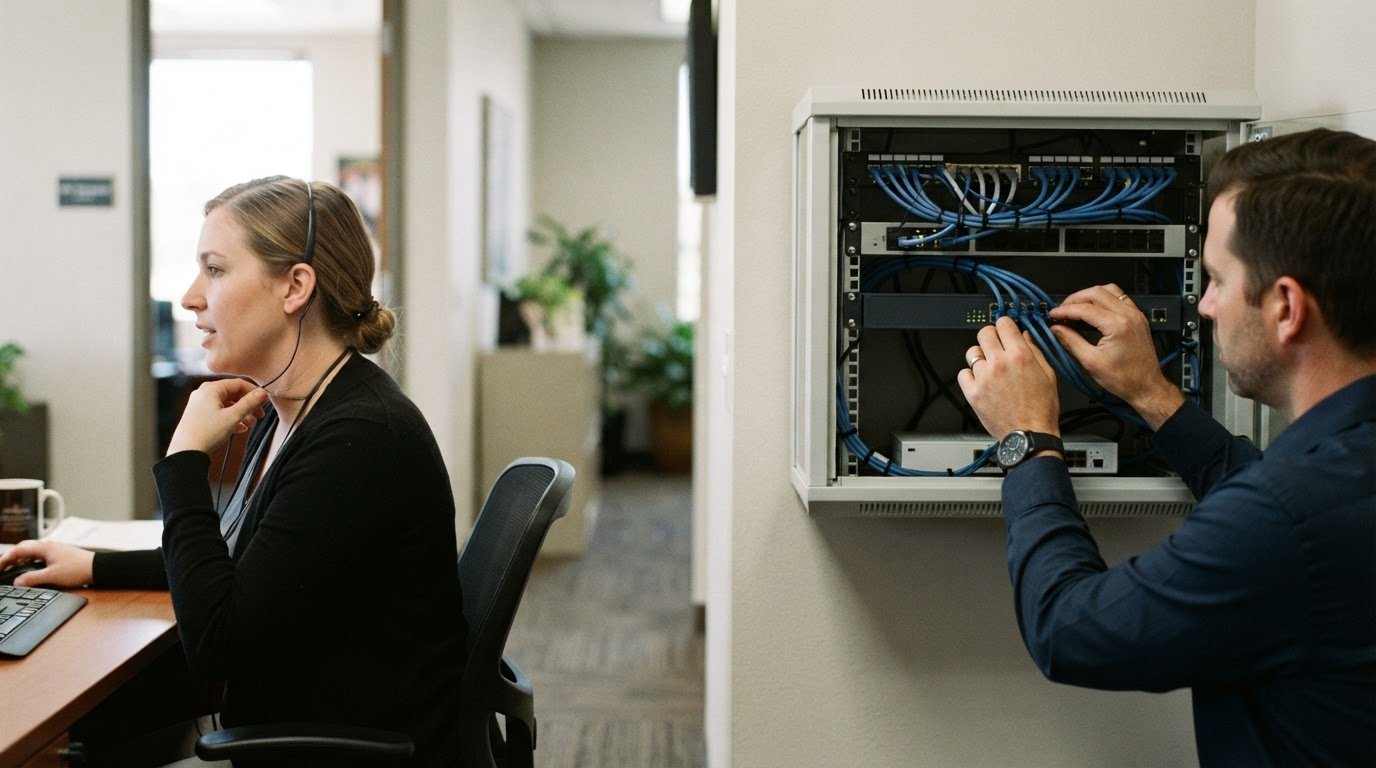
Managed IT differs from break-fix support in its operating model. Break-fix work starts after a problem appears; managed support includes ongoing oversight and planned maintenance. A small office with recurring connection issues, for example, may need the network investigated instead of repeated repairs to individual devices.
Purchasing and inventory management also affect support quality. Keep an up-to-date record of laptops, network equipment, assigned users, and replacement needs. Before purchasing, align equipment with your existing systems and business plans. This helps prevent compatibility problems and makes support requests easier to diagnose.
On-site and remote support in Brea neighborhoods
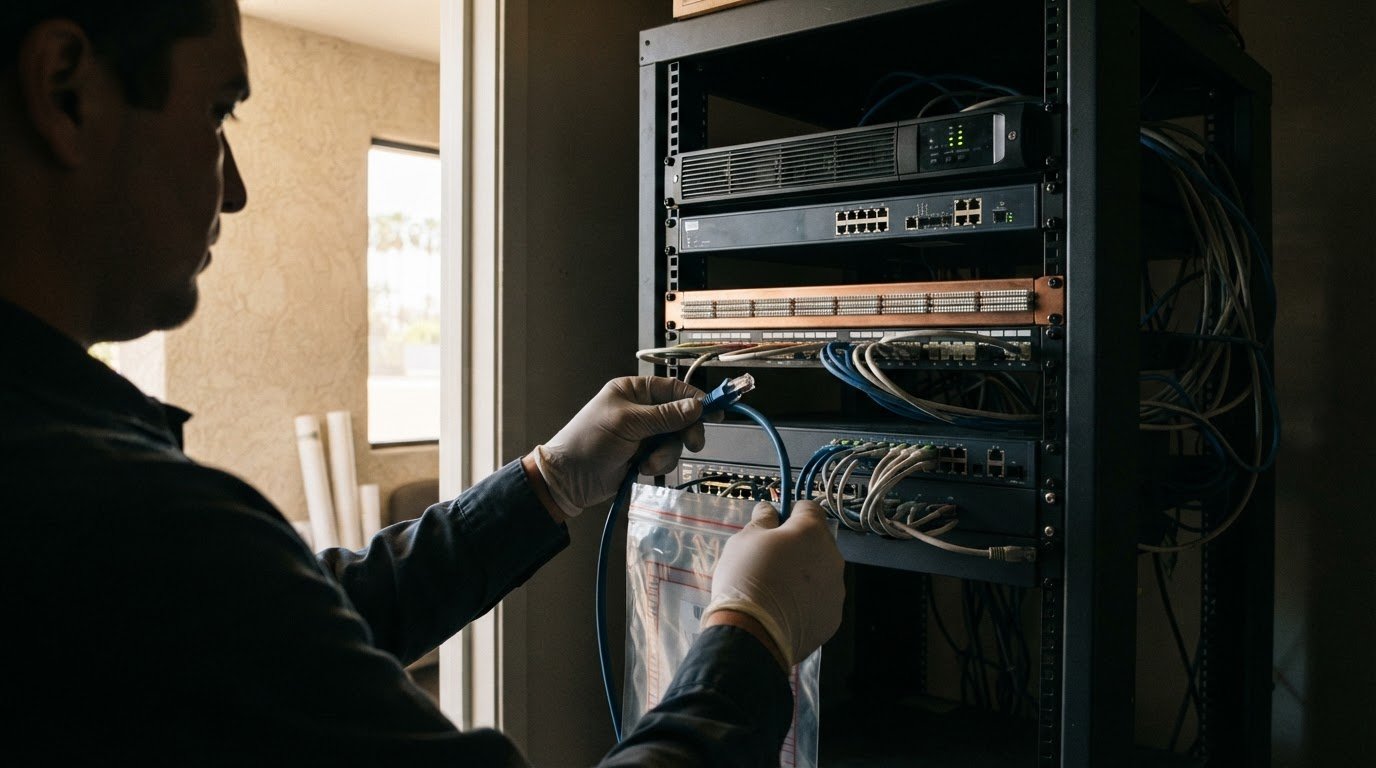
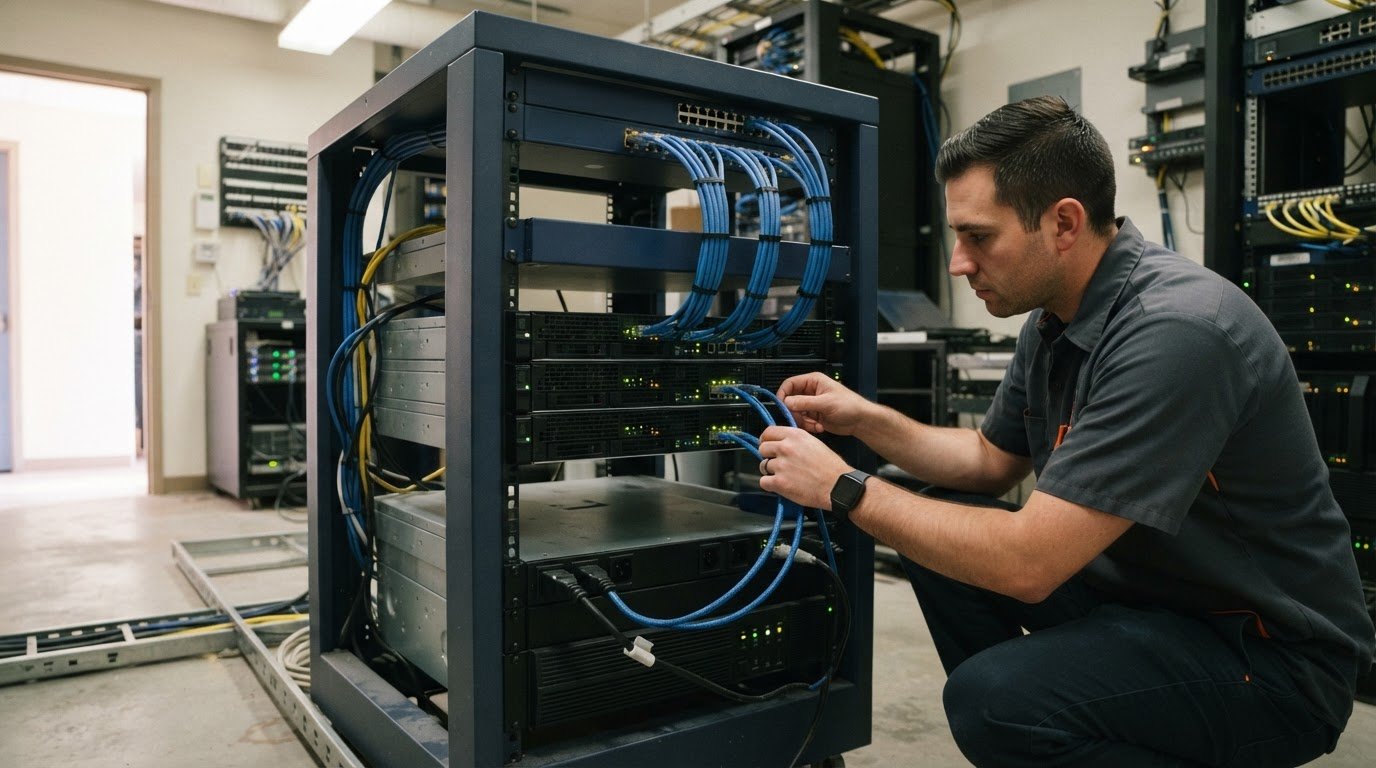
Remote support is a practical first step for software, account, and configuration issues. A technician can guide an employee through a Microsoft sign-in problem or review a device setting without traveling to the office. On-site support suits problems that need hands-on work, such as tracing a damaged network cable or examining a workstation that won’t start. Clear triage routes each issue to the right setting.
For on-site support in Brea, define how requests are prioritized and which locations are covered. A business near Downtown Brea may need a visit for a shared printer outage, while a remote session can address one user’s access issue. Include the affected device, error message, and business impact in the request. These details help the technician prepare for a visit or begin remote diagnosis.
Reviews and ratings for nearby IT support companies can differ across platforms, so don’t rely on one score alone. Look for specific examples of communication, follow-through, and how reviewers describe recurring support problems. A detailed account of resolving a network outage offers more context than a rating without explanation.
Cybersecurity also shapes the support method. A suspicious login or unusual device behavior calls for careful review before access resumes. Businesses can explore cybersecurity solutions as part of that response. Keep a simple incident record with the affected account, device, and time noticed. That record gives technical staff a useful starting point and helps distinguish a routine access problem from a security concern.
Brea office location and contact details
IT support in Downtown Brea, CA can be delivered on-site or remotely. An office address alone doesn’t show how a provider supports your workplace. Match the provider’s service area and support process to your business address, whether you’re near Birch Street, Brea Boulevard, or elsewhere in town.
Use a provider’s official business listing to find its office address and published contact channel. Then note the details that help route a request: your company name, office location, affected device, and a short description of the issue. For example, “Brea office, shared printer offline” gives a support team a clearer starting point than “technology problem.” Keep this information in a shared internal note so employees can submit consistent requests.
Location matters most when an issue needs hands-on attention. A workstation that won’t power on may require an on-site visit, while a locked account can often be handled remotely. Before choosing a support arrangement, map your office locations and identify the essential systems at each one. A business with one Downtown Brea office has different coordination needs from one with staff across several sites.
Make the next step practical. Gather your office locations, key systems, and preferred support contact into one brief summary. Use it to start a conversation about how business support can fit your workplace. Discuss your business IT needs with Uptime Co. and outline the locations and systems your team relies on.
Uptime Co.
Uptime Co. helps businesses turn IT support needs into a practical plan. If recurring technology issues interrupt work, Managed IT Services provide ongoing support and oversight. Cybersecurity Solutions address concerns about protecting business systems, while Cloud Services and Network Infrastructure support the technology your team relies on each day.
Bring a brief picture of your workplace: the systems you use, the issues slowing staff down, and your most important priorities. This gives the conversation a clear starting point and helps connect your needs with the right support. Contact Uptime Co. to discuss IT support for your business in Downtown Brea.
Make your next IT move with confidence
Reliable IT support in Downtown Brea starts with a focused conversation about how technology affects your work. Before reaching out, note the systems your team depends on, recurring issues, and expected changes as your business grows. This turns broad concerns into a useful discussion about priorities and the support your business needs.
Uptime Co. can help map the next step around your business needs. Bring your questions, even if they’re still taking shape. A clear starting point makes it easier to decide what needs attention first and what can wait.
Contact Uptime Co. about IT support to start shaping an approach for your team. Move forward with clarity and keep your business focused on what’s next.
Frequently Asked Questions
IT support services available in Downtown Brea?
Businesses seeking IT support in Downtown Brea can get help with managed IT, cybersecurity, cloud services, network infrastructure, backups, and VoIP phone systems. The right mix depends on your setup. For example, a business moving files to the cloud may need cloud services and backup planning, while a growing office may need network infrastructure support to connect new workstations.
Managed IT service plans for small businesses in Brea, CA?
Managed IT service plans give small businesses in Brea ongoing support with flat-rate, predictable monthly pricing. Uptime Co. service includes 24/7 monitoring and support, security, vendor management, and a dedicated vCIO team. As your team or technology needs change, the plan can scale. Ask which systems, users, and support needs are included so the service matches your day-to-day operations.
On-site versus remote IT support in Brea, CA?
Remote support is useful for issues that can be handled through secure access, such as software troubleshooting, user assistance, and system administration. On-site support makes sense when a technician needs to work directly with equipment or assess a physical network setup. Uptime Co. offers both options for Brea businesses, matching the support method to the problem and helping limit disruption.
IT support provider response times and service agreements in Brea?
Response times should be clear in your service agreement, including how critical issues differ from routine requests and how updates are handled. Uptime Co. provides rapid response for critical issues and same-day support for standard requests, with response times defined by the SLA. Before choosing a provider in Brea, understand how to report an outage and what information helps the support team prioritize it.
IT support companies near Downtown Brea reviews and ratings
Reviews and ratings can differ across platforms, so don’t rely on one score alone. Look for specific examples of communication, follow-through, and how recurring support problems were resolved.