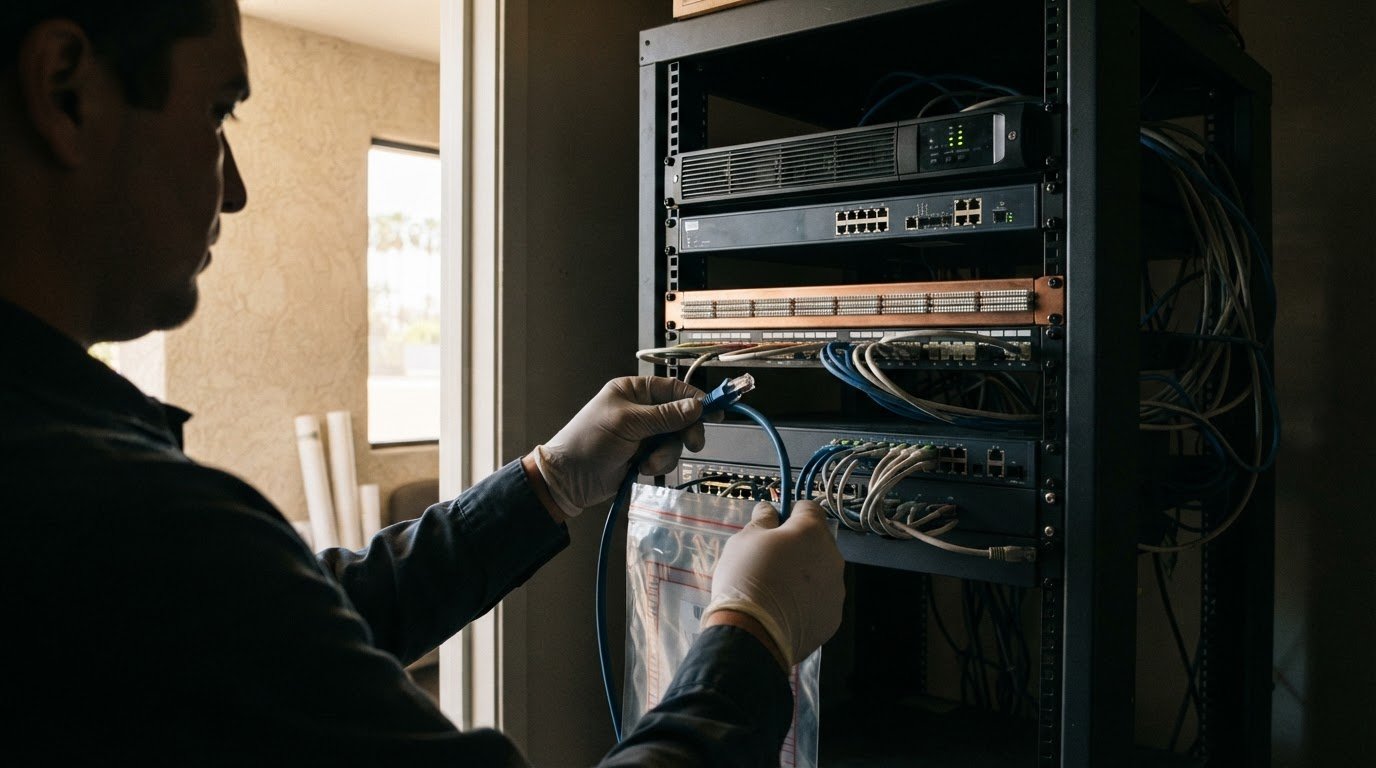
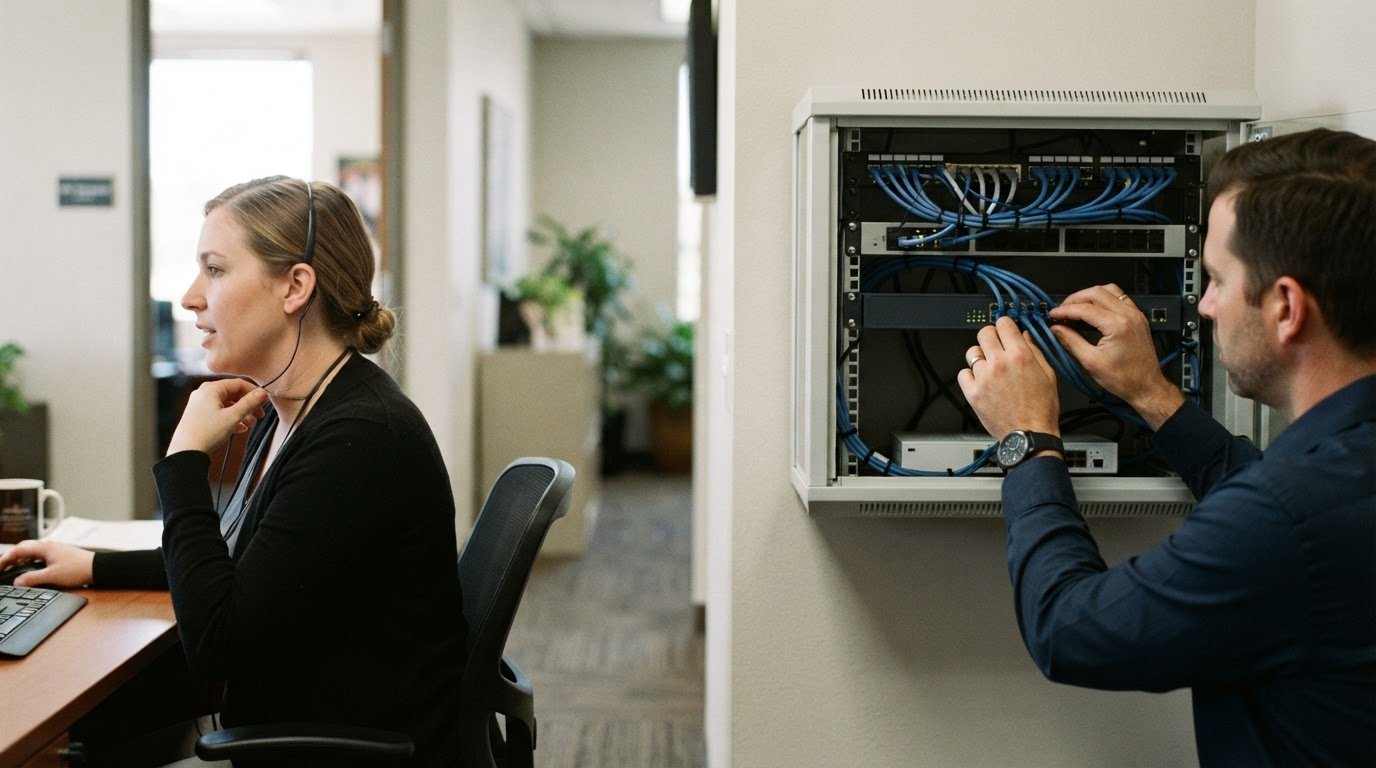
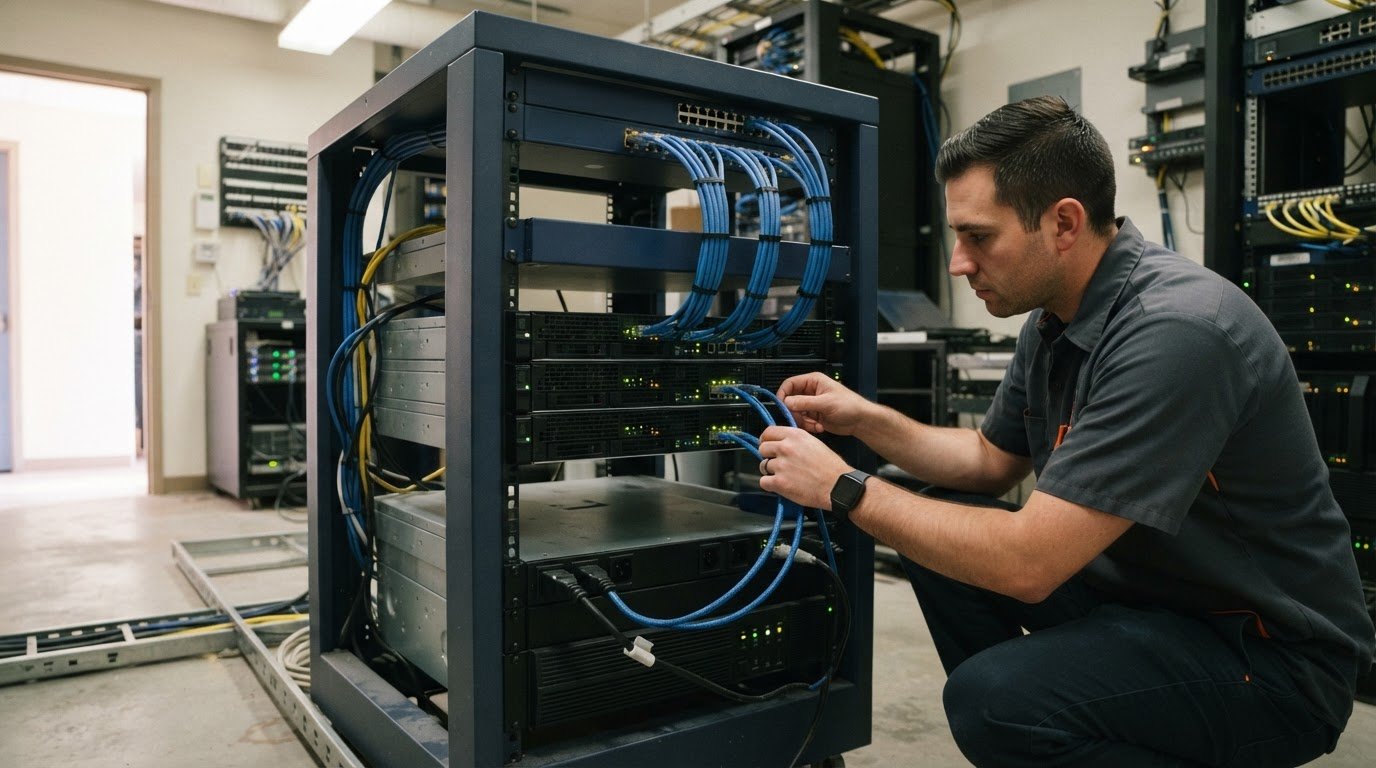
What if you could spot a server issue before it interrupts the workday? Effective server maintenance services do more than fix problems after a failure. They give your team a routine for monitoring systems, keeping them current, and preparing to recover. Without clear ownership and a schedule, however, updates, backup checks, and alert follow-ups can slip, especially when your IT team is stretched thin.
This guide covers the routine work that matters, from reviewing alerts and disk space to applying updates and testing data restores. You’ll learn how to spot gaps in your current process and prepare your environment for maintenance. Uptime Co. includes routine maintenance and 24/7 network monitoring in its managed IT services, helping businesses keep an eye on their infrastructure. By the end, you’ll know what to handle internally and when managed support can take recurring tasks off your team’s plate.
Key Takeaways
- Use server maintenance services to put prevention, monitoring, and recovery readiness on a regular schedule.
- Build a practical checklist for updates, system health, capacity, and follow-up tasks.
- Document system owners, known issues, and completed maintenance so important work doesn’t get lost.
- Compare internal, reactive, and managed support to find an approach that gives your team clearer visibility and more time.
What Server Maintenance Services Cover, and Why Prevention Matters
Server maintenance services are recurring tasks that keep business server environments monitored, updated, and supported. Whether overseeing on-premises hardware or cloud and dedicated server platforms like Snel.com, the aim is to spot developing issues, keep systems in good working order, and make sure recovery plans are usable. That may include reviewing performance signals, applying appropriate software updates, checking hardware health, and confirming backups are running.
Planned maintenance differs from reactive troubleshooting. A preventive routine gives your team a chance to address an update, capacity, or hardware concern before it disrupts work. Reactive support begins after a problem appears, such as users losing access to a business application. Both have a role, but relying only on break-fix support leaves less time to prepare. Maintenance can improve reliability, but it can’t guarantee that outages or security incidents will never happen.
Which business systems can server maintenance support?
Maintenance can cover on-premises servers at your workplace, virtualized environments that run multiple server instances on shared hardware, and cloud-hosted infrastructure. The tasks depend on how each system is built and what your business relies on. A system administrator, for example, helps keep servers configured and operating reliably. See this overview of the system administrator role.
A Practical Server Maintenance Checklist for Business Teams
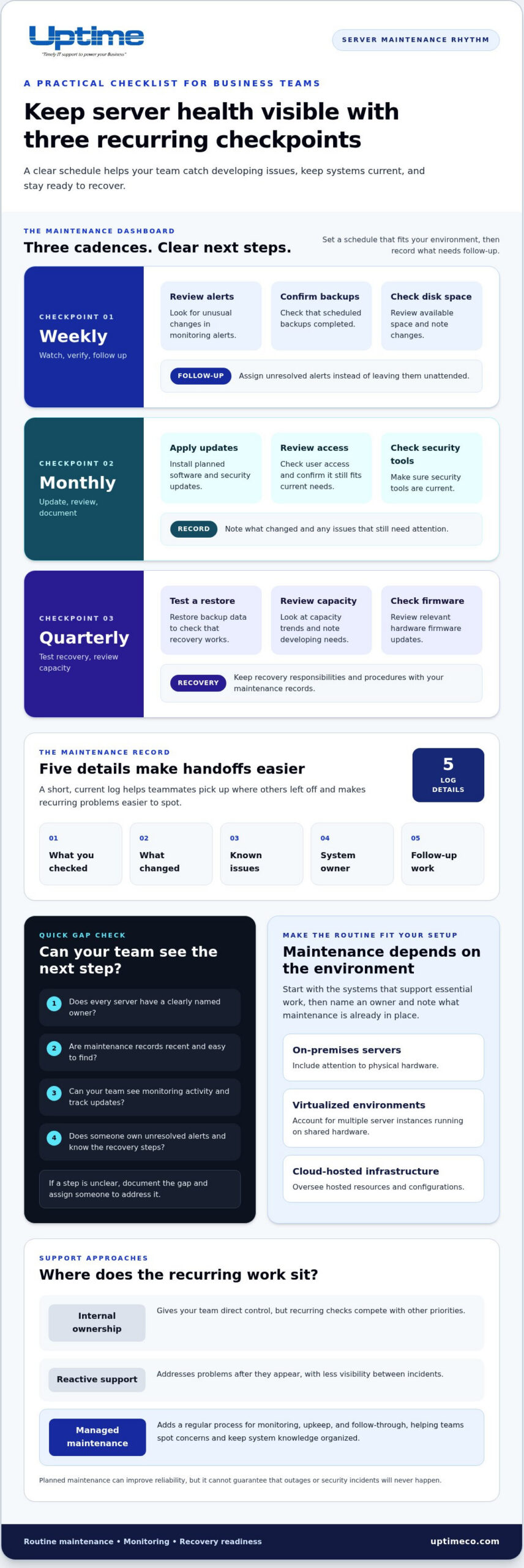
A useful routine makes server health visible and gives every issue a next step. Set a schedule that fits your environment, then cover these essentials:
- Weekly: Review monitoring alerts, confirm backups completed, and check available disk space. Note unusual changes and assign follow-up instead of leaving alerts unresolved.
- Monthly: Apply planned software and security updates, review user access, and make sure security tools are current. Record what changed and any issues that need attention.
- Quarterly: Test a backup restore, review capacity trends, and check for relevant hardware firmware updates.
For each task, record what you checked, what changed, known issues, the system owner, and any follow-up work. A short, current log helps teammates pick up where others left off and makes recurring problems easier to spot. Professional server maintenance services—such as those delivered by managed providers like Hozit—can keep these checks and follow-ups on track when internal teams are busy.
Backups are useful for recovery only if you can restore data and know the steps to take. Include recovery responsibilities and procedures in your maintenance records. For more on preparing for disruption, read Uptime Co.’s backup and disaster recovery guide.
How can you tell whether your current maintenance routine has gaps?
Look for servers without a clearly named owner, recent maintenance records, or monitoring visibility. Check how your team tracks updates and who receives unresolved alerts. If alerts can sit unnoticed or nobody can explain the next recovery step, document the gap and assign someone to address it. Keep recurring issues and recovery steps in a shared record, without assuming every system uses the same tools or process. If recurring checks are hard to keep on track, managed IT support can help your team maintain visibility and follow-through.
How Managed Server Maintenance Services Support Orange County Businesses
Server maintenance services can be managed internally, left until something breaks, or built into an ongoing support plan. Internal ownership gives your team direct control, but recurring checks compete with other priorities. Reactive-only support helps address problems after they appear, but offers less visibility between incidents. Managed maintenance adds a regular process for monitoring, upkeep, and follow-through, helping teams spot concerns and keep system knowledge organized.
For businesses in Orange County, Uptime Co. brings routine maintenance together with 24/7 network monitoring, help desk support, and infrastructure management. This gives business teams a clearer view of system activity and a consistent path for raising issues. For a broader look at ongoing support, explore the managed IT services guide.
What should businesses expect from an ongoing maintenance partnership?
Start with a practical picture of your infrastructure: which systems support key work, who depends on them, and where current risks or recurring issues sit. Then set priorities around business needs, establish a maintenance routine, and track completed work, open issues, and next steps. Clear records help your team and support partner maintain continuity as needs change.
Uptime Co. is based in Brea and has more than 30 years of experience in IT network administration and technology consulting. The company supports organizations in Orange County and nationwide, bringing ongoing infrastructure support to local businesses. If your team is weighing a more consistent approach, talk with Uptime Co. about managed maintenance for your organization.
Make Server Reliability Part of the Plan
Reliable systems need steady attention, not just a response when something breaks. A practical maintenance routine keeps monitoring, updates, hardware checks, and recovery preparation on the radar. Clear records also help your team see who owns each system and what needs follow-up. If recurring work is hard to fit into the day, managed server maintenance services can bring more consistency and visibility to the process.
Uptime Co. provides managed IT services that include routine maintenance and 24/7 network monitoring. For businesses in Orange County, this ongoing support helps teams stay informed about their infrastructure.
Ready to make ongoing maintenance easier to manage? Explore managed IT support with Uptime Co. Build a clearer plan for routine checks, follow-ups, and recovery readiness.
Frequently Asked Questions
What do server maintenance services include?
Server maintenance services commonly include monitoring, software and security updates, health checks, and infrastructure support. The work depends on your environment, so an on-premises server may need different attention than cloud-hosted infrastructure. Recurring preventive tasks help teams spot issues and plan follow-up. Emergency troubleshooting addresses problems after they arise. Consistent oversight supports reliability, but it can’t prevent every failure or incident.
How often should business servers be maintained?
There’s no single schedule that fits every business server. Set maintenance frequency around system requirements, business operations, and risk priorities. Keep a documented routine for monitoring, updates, and health reviews so you can see what’s done and what remains. Revisit the schedule when infrastructure changes, business needs shift, or recurring issues suggest the current routine needs adjustment.
Can server maintenance prevent downtime?
Server maintenance can help reduce avoidable disruption, but it can’t eliminate every cause of downtime or guarantee uninterrupted service. Monitoring may reveal warning signs, while planned updates help address known issues. Recovery preparation gives your team a clearer path if a service does go down. Treat maintenance as a way to improve readiness and response, not as a promise that outages won’t happen.
Is managed server maintenance a good fit for a small business?
Managed support can be a good fit when a small team doesn’t have enough time or specialized capacity for recurring monitoring and infrastructure work. It adds ongoing oversight and a clear place to route technical issues. For Orange County organizations, Uptime Co. combines routine maintenance, 24/7 network monitoring, help desk support, and infrastructure management. The right arrangement depends on your systems and support needs.