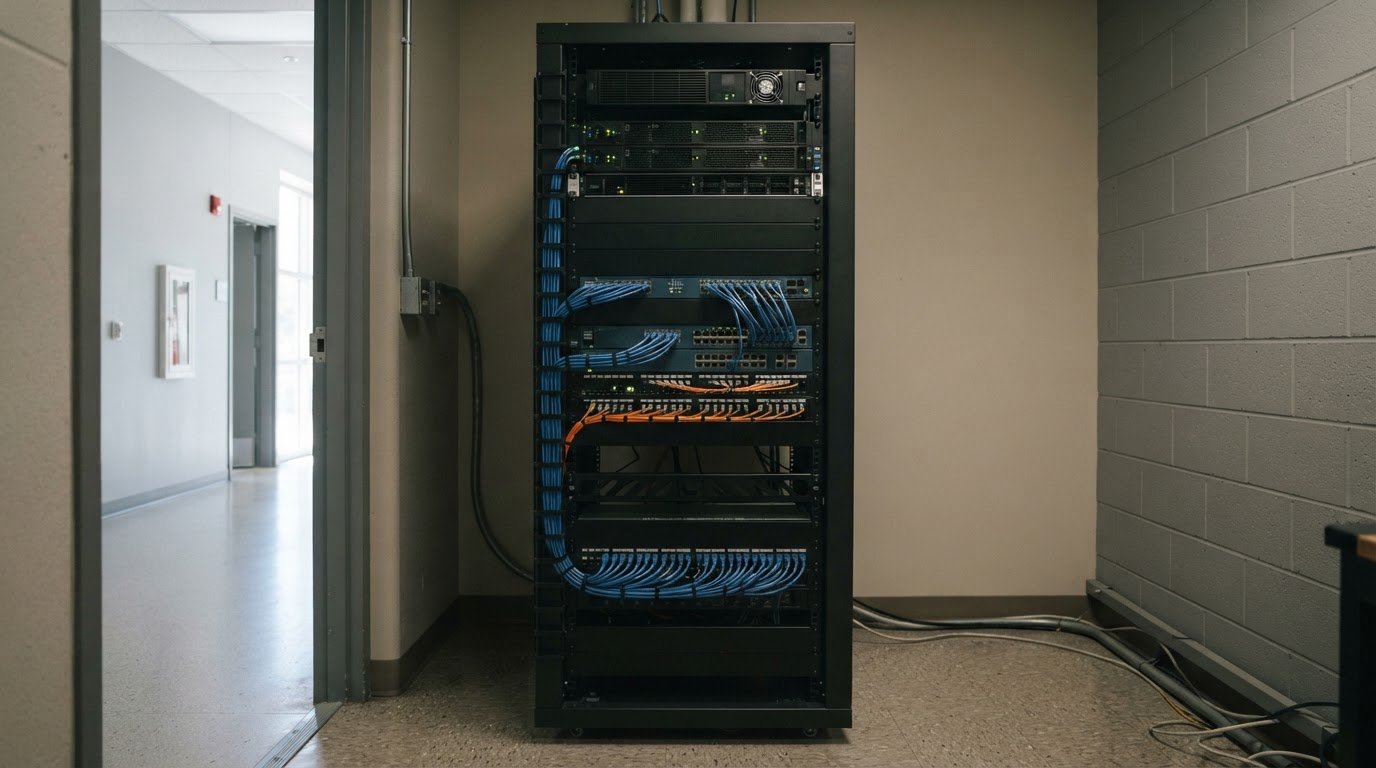
Servers are only part of the picture. Brea IT infrastructure management coordinates servers and network devices through configuration, capacity planning, patching, and lifecycle management. The goal is a stable, well-managed environment that supports your team’s day-to-day work.
It makes sense to start with servers, but switches, routers, and other network devices also affect performance and reliability. This guide explains what infrastructure management covers, how teams manage servers and network devices, and why clear processes matter. You’ll also learn what information helps a provider understand your environment and plan appropriate support.
Key Takeaways
- Look for a consistent process that tracks configuration changes, capacity needs, patching, and equipment lifecycle decisions.
- Server management works best when infrastructure dependencies and operational needs are considered together.
- Network device monitoring can help reveal performance issues and configuration changes across switches, routers, and other devices.
- Uptime’s Network Infrastructure service connects network management with broader managed IT and cybersecurity support.
Configuration, capacity, patch, and lifecycle processes
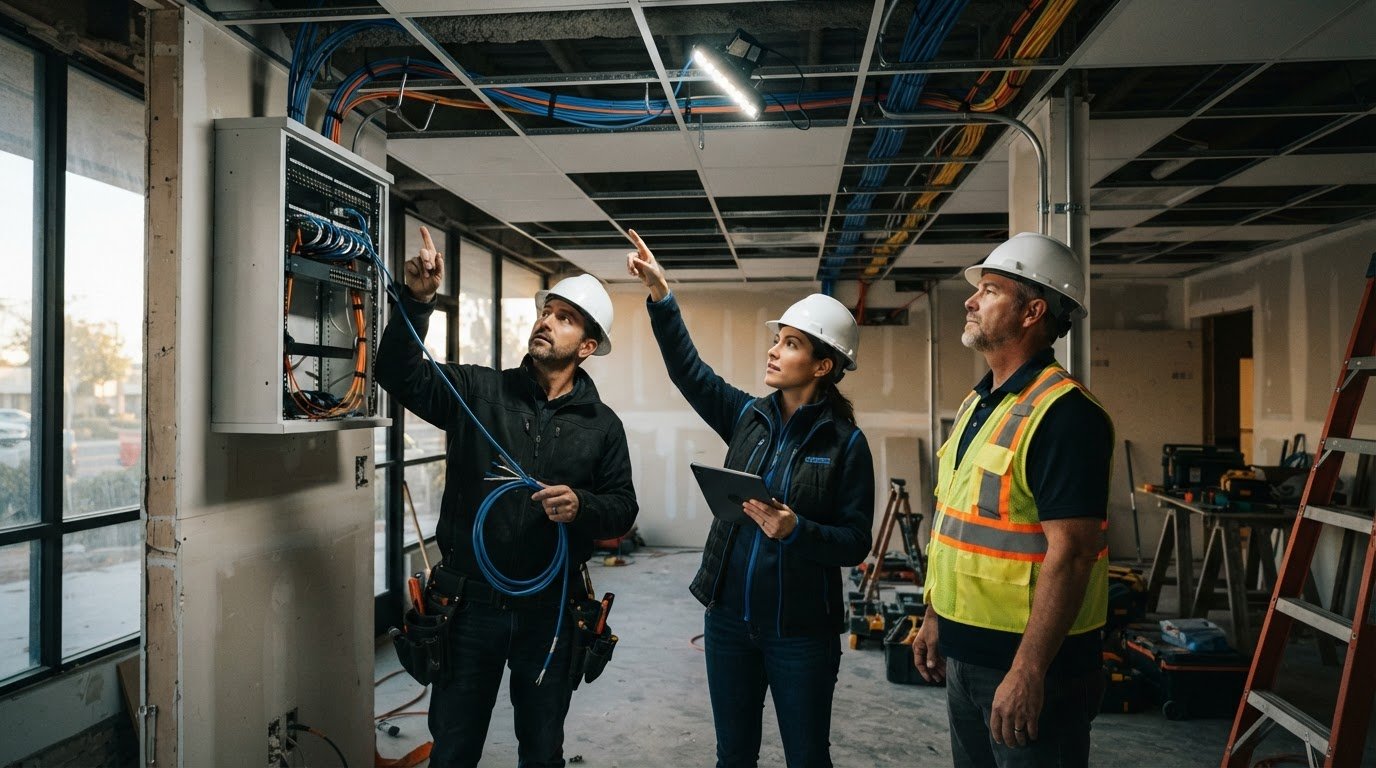
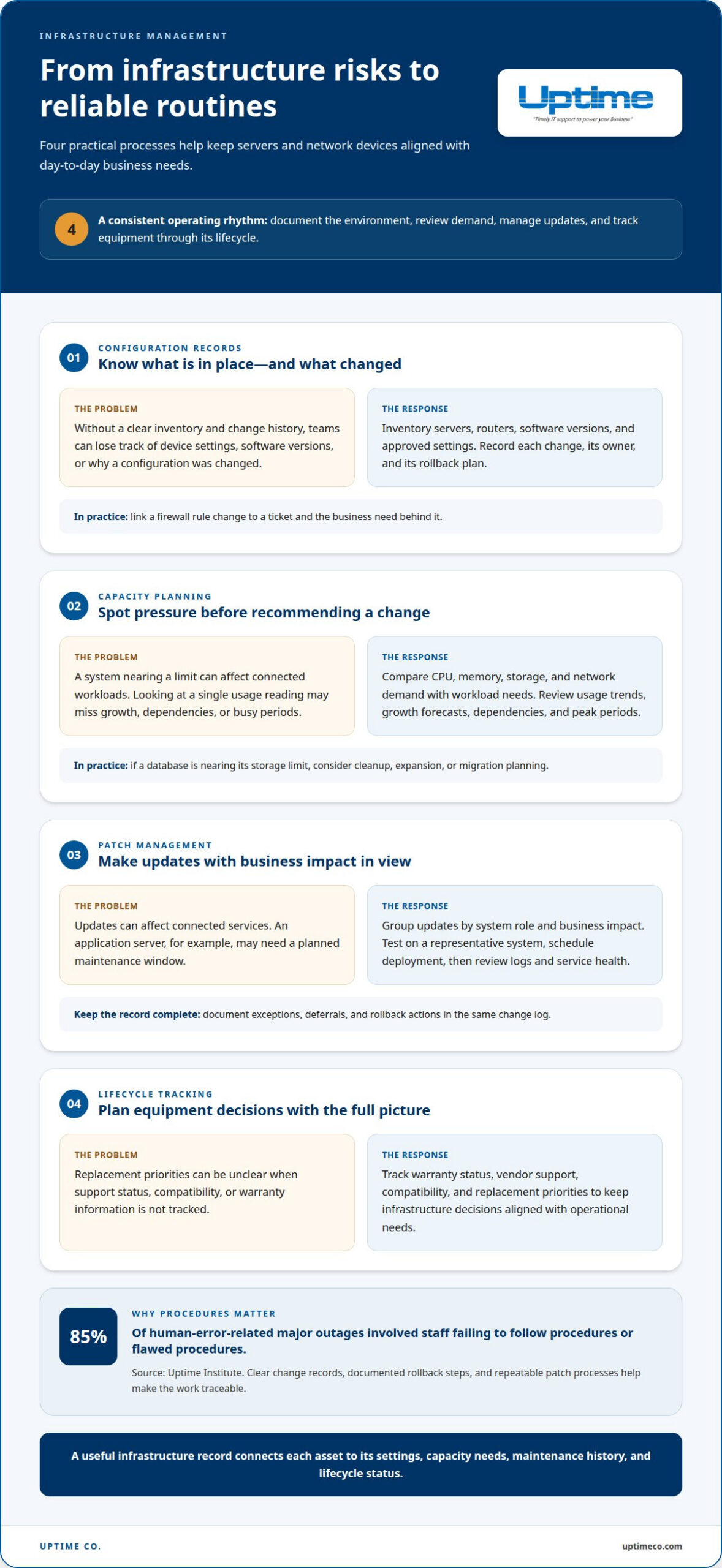
Effective Brea IT infrastructure management starts with an inventory of servers, routers, software versions, and approved settings. Technicians document a baseline, then record each change, its owner, and its rollback plan. For example, a firewall rule change should be linked to a ticket and a business need.
Patch management groups updates by system role and business impact. Technicians test updates on a representative system, schedule deployment, then review logs and service health. An application server may need a maintenance window because updates can affect connected services. Record exceptions, deferrals, and rollback actions in the same change log.
Brea IT infrastructure management should account for privacy requirements based on the data handled, industry, and customer contracts. These factors guide access, retention, backup, and encryption controls.
Cybersecurity risks include exposed customer data, weak system security, malware, denial-of-service attacks, and outages. The U.S. Department of Labor, Office of Inspector General identifies these as technology risks. According to Uptime Institute, 85% of human-error-related major outages involved staff failing to follow procedures or flawed procedures.
Infrastructure and server management
Businesses in Brea, CA can use managed IT services to oversee servers, storage, endpoints, and cloud connections. The scope should cover server administration, backup coordination, access controls, and escalation. Before changing a production server, technicians should map its application dependencies.
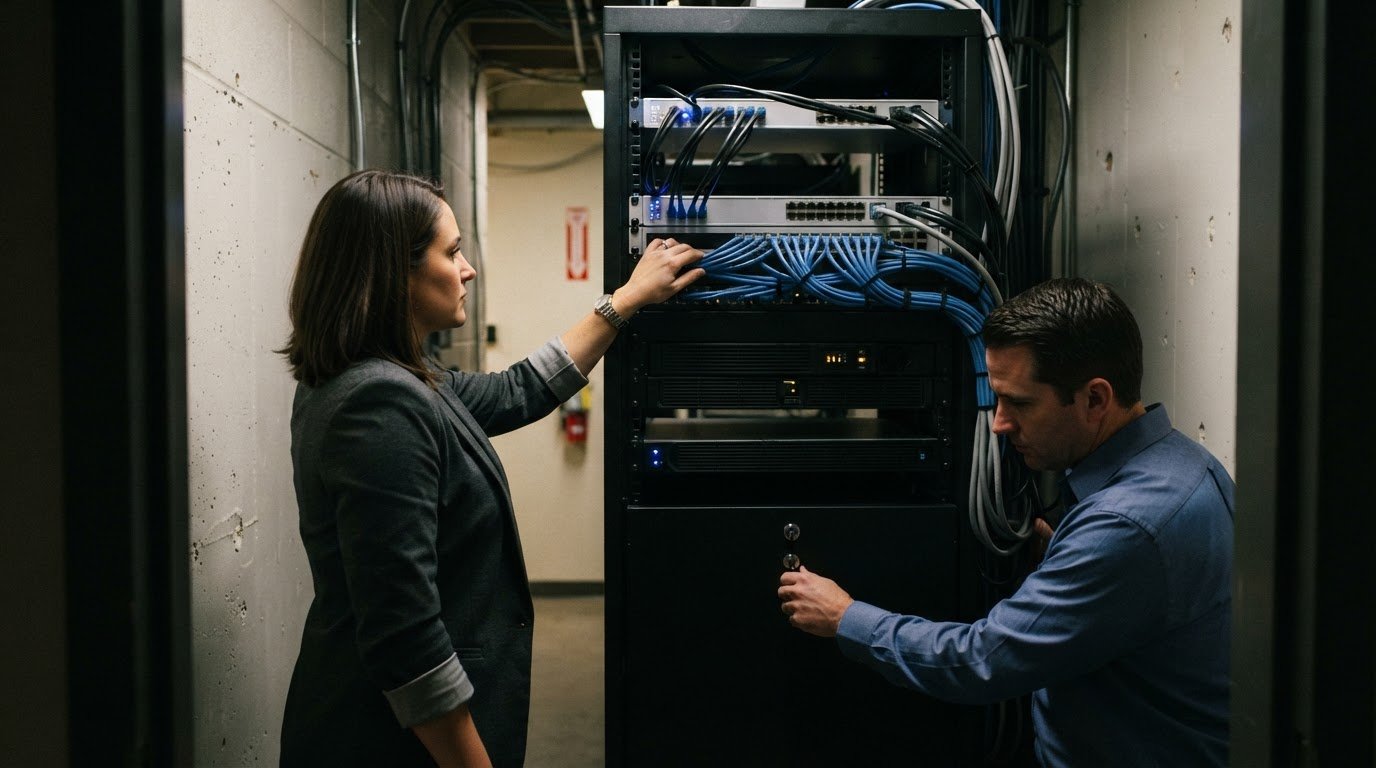
Server management combines routine health checks with planned maintenance. Technicians review processor load, memory use, storage space, event logs, and backup status. If a file server approaches capacity, they assess growth, shared folders, and connected applications before expanding storage. They also apply approved operating-system updates, validate core services, and document rollback steps. This ties each server change to its business impact.
Moving to managed infrastructure starts with a professional assessment. The business provides an asset list, administrator access, network diagrams, backup details, and known service issues. The provider then inventories systems, identifies dependencies, records priorities, and develops an onboarding plan. A staged handoff can begin with monitoring and documentation before routine maintenance transitions. Keep a named internal contact available to approve changes and set outage priorities.
Uptime Institute found that nearly 40% of organizations had experienced a major human-error outage during the preceding three years. Clear access controls, change records, and escalation paths help address operational risks. The U.S. Department of Labor, Office of Inspector General also identifies customer-data loss, weak security, viruses, denial of service, and availability issues as technology risks. Review those risks alongside server roles, backup recovery needs, and access permissions.
As you review infrastructure needs, check whether FIPS 140-2 validated encryption is required. Infrastructure optimization can also involve supporting many locations and users: at Huntington Learning Center, George Brea led work supporting almost 300 centers and a community of over 10,000 users.
Network device monitoring and management
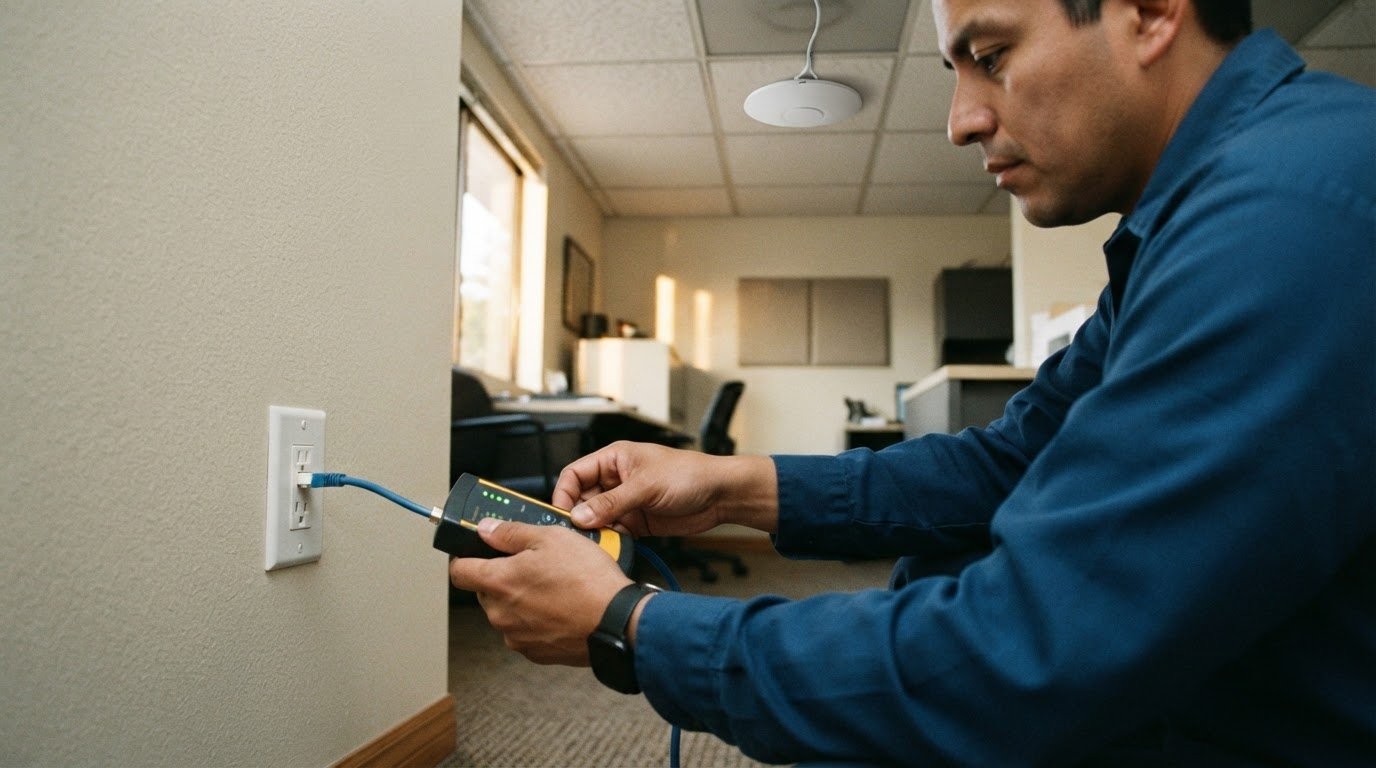
A Brea IT infrastructure management plan should monitor switches, routers, wireless access points, firewalls, and internet connections, not just servers. A device inventory records each model, location, firmware version, and business role. For example, a switch serving payment terminals needs different alert priorities from a conference-room access point. This map helps technicians connect device alerts to the teams they may affect.
Monitoring tools track availability, bandwidth use, interface errors, latency, and packet loss. A rise in dropped packets across several access points may signal congestion or a failing uplink. Technicians compare readings with normal operating patterns, then inspect the device path before changing settings. Correlating alerts helps distinguish an isolated sensor issue from a wider connectivity problem.
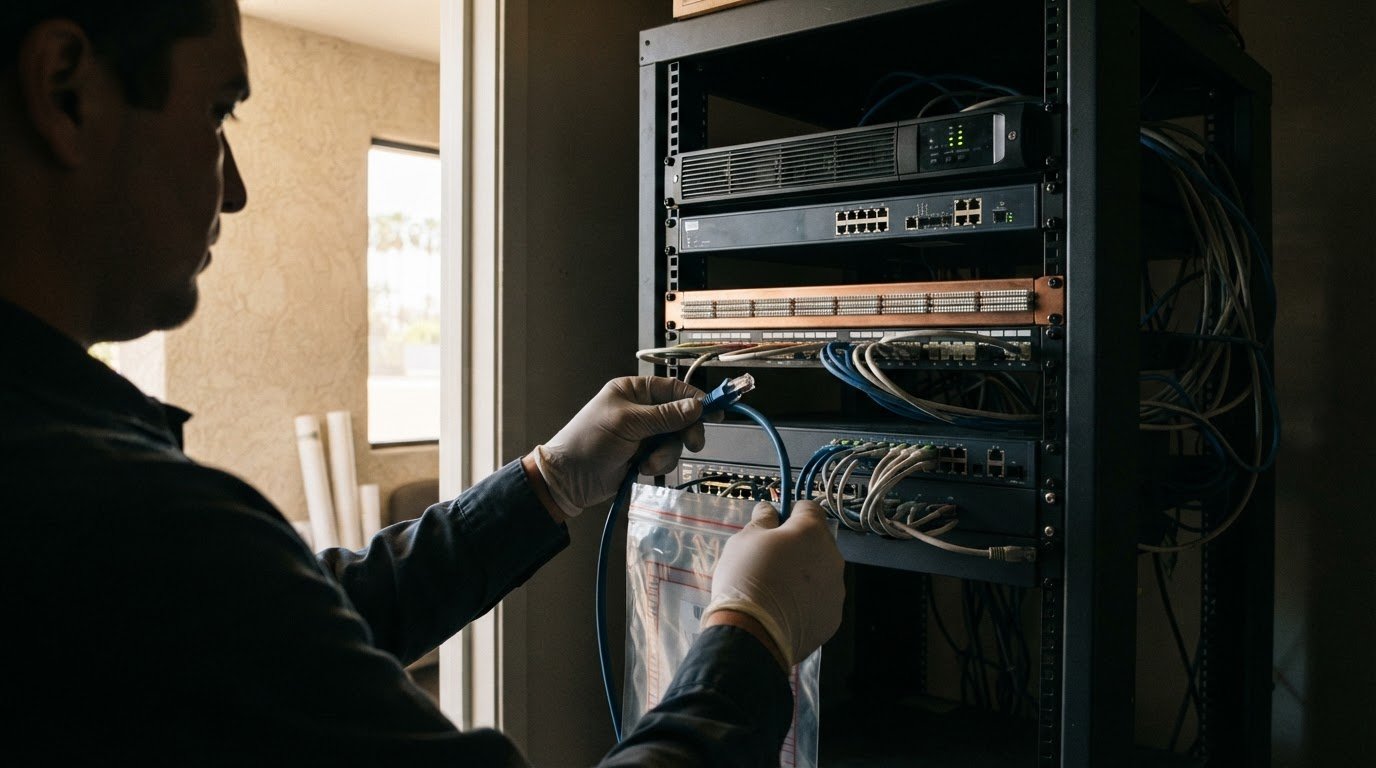
For each device, technicians save approved settings and log changes in a maintenance ticket. A router update should record its purpose, expected impact, validation checks, and rollback steps. Grouping switches by site or role helps identify inconsistent settings. The record also helps trace connectivity issues to recent changes.
Strong Brea IT infrastructure management links device alerts to clear response steps. If a branch router loses internet access, technicians can check its status, review nearby alerts, and determine whether the fault affects one site or several. They can prioritize investigation according to business impact. The key is to monitor devices in context, connecting alerts, configurations, and response records in one operational view.
If you’re looking for this kind of work nearby, local listings offer a sense of the range of roles and schedules. For example, a Network Engineer position in Los Angeles, California, lists annual compensation of 190000 – 215000; a Senior Network Engineer position in East Los Angeles, California, offers up to 160,000; and a Network Engineer contract position in Los Angeles, California, lists hourly compensation of 21.85 – 25.3.
Other local listings include Network Engineer positions in the San Gabriel Valley, California, with annual compensation of 140000 – 160000, and in Ontario, California, with annual compensation of 125000 – 140000. One Senior Network Engineer role in the San Gabriel Valley requires four days onsite. If you’re exploring openings, check the location and work schedule alongside the pay to see what fits your needs. These roles call for people who can maintain network reliability and respond to device issues.
Uptime: Network Infrastructure
Uptime Co. provides Network Infrastructure services for businesses that need coordinated oversight of network devices and connectivity. This service can help when recurring device issues, unclear ownership, or planned network changes complicate daily operations. A practical starting point is to map your sites, devices, business priorities, and current pain points. That gives the work a clear focus.
For example, intermittent wireless access may call for reviewing access points, switch connections, and coverage across work areas. A business adding cloud applications may need to consider network capacity and routing alongside those services. Uptime Co. can also connect network planning with Managed IT Services when server, network, and security responsibilities overlap.
Cybersecurity Solutions and Cloud Services may also be relevant when they affect device access, traffic, or connectivity. A useful starting brief includes a network diagram, device inventory, affected locations, recent changes, and examples of recurring interruptions. These details help prioritize critical connections and show how network needs fit into your wider technology environment.
Start with the issue disrupting work, such as dropped wireless sessions, unstable site links, or unclear device ownership. Then discuss the scope, priorities, and how network work fits your operations. Clear context makes the conversation more productive. Contact Uptime Co. to discuss your network infrastructure needs.
Frequently Asked Questions
What is IT Infrastructure Management?
IT infrastructure management coordinates the technology and operational processes a business relies on, including servers, networks, cloud services, and security. It also covers ownership, documentation, and planning across those systems. For example, a new accounting application may require coordinated access, connectivity, backup, and security decisions rather than a server change alone.
What IT infrastructure management services are available in Brea, California?
Businesses in Brea can access Uptime services including Managed IT Services, Network Infrastructure, Cloud Services, Cybersecurity Solutions, Backup & Disaster Recovery, VoIP Phone Systems, IT Consulting & vCIO, and Compliance Services. The right combination depends on your environment. For example, a nonprofit moving shared files to cloud services may also need access controls and backup planning.
What services are included in Brea managed IT plans?
Uptime’s Managed IT Services include 24/7 monitoring and support, security, vendor management, and a dedicated vCIO team. Complete vendor management gives your business a single point of contact for technology vendors. For example, if an internet connection issue involves a carrier, that coordination helps keep communication and technical ownership clear.
What should businesses in Brea look for when choosing an IT infrastructure provider?
Choose a provider whose scope matches your systems and business priorities. Ask how it documents changes, communicates risks, and coordinates vendors. Make sure planning covers your actual environment, including cloud applications, office connectivity, and backup needs. A clear escalation path and transparent reporting help your team understand who owns each issue.
Do Brea IT providers offer 24/7 monitoring, onsite support, and disaster recovery?
Uptime provides 24/7 monitoring and support, onsite and remote support in California, and Backup & Disaster Recovery. These services address different needs: monitoring tracks technology, onsite support handles work requiring a physical visit, and disaster recovery planning prepares the business to restore operations after disruption. Define critical applications and recovery priorities as part of planning.