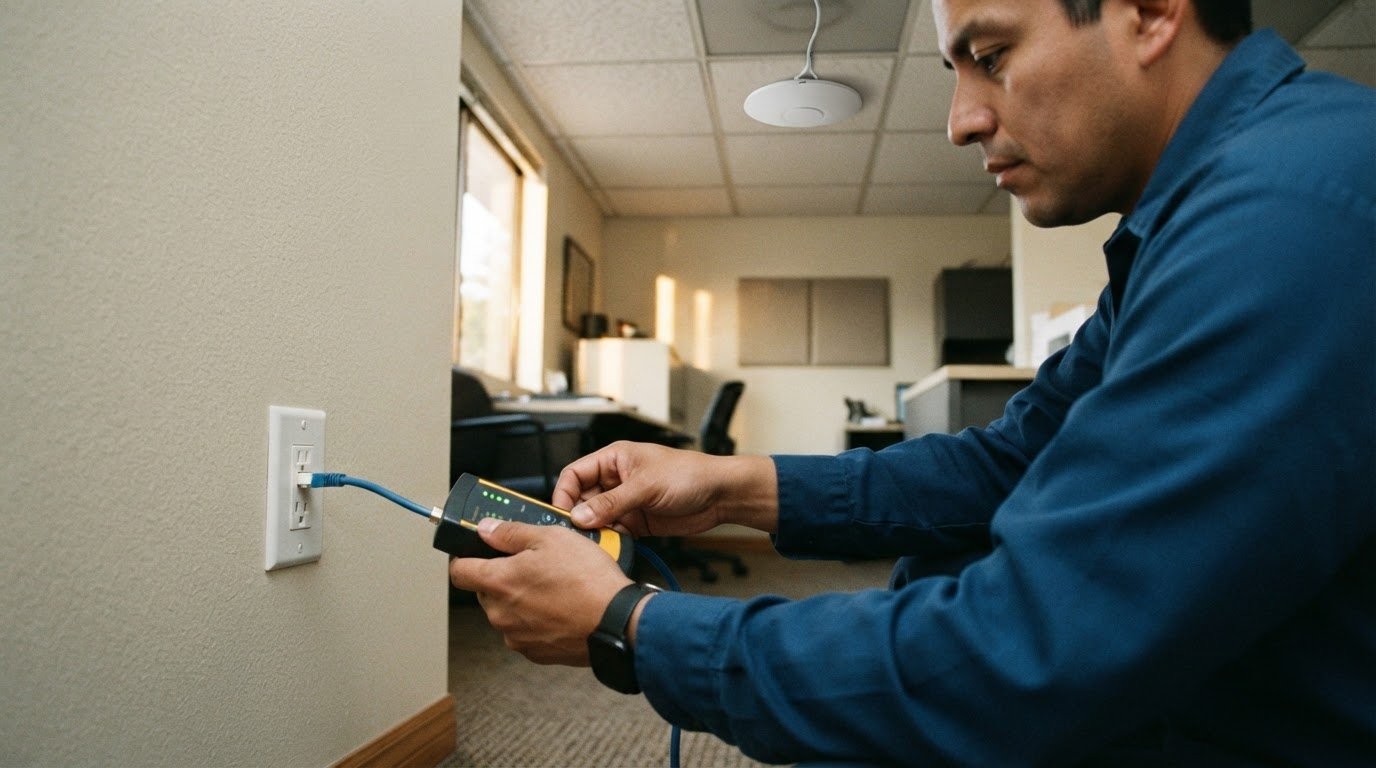
A reliable office network starts before the first cable is installed. A well-planned network infrastructure setup in Brea begins by assessing your equipment, office layout, and day-to-day needs, then selecting the right mix of structured cabling and Wi-Fi.
You need dependable connections without guesswork or unnecessary disruption. A clear plan helps identify gaps early, guide equipment choices, and build infrastructure that works for your office today and can adapt as your needs change.
Here’s what to expect: how a professional assesses your current network, plans and installs cabling and Wi-Fi, and coordinates the project from start to finish. You’ll also learn what to consider before your next network upgrade.
Key Takeaways
- Map your office’s needs and existing setup before planning installation, so the project can focus on the right priorities.
- See how cabling, Wi-Fi coverage, and network equipment fit together in a connected office plan.
- Learn what a professional assessment can reveal about gaps, upgrade needs, and the best next steps.
- Find out when Uptime’s Network Infrastructure service can help move your office project from planning to implementation.
Project management, installation, and support
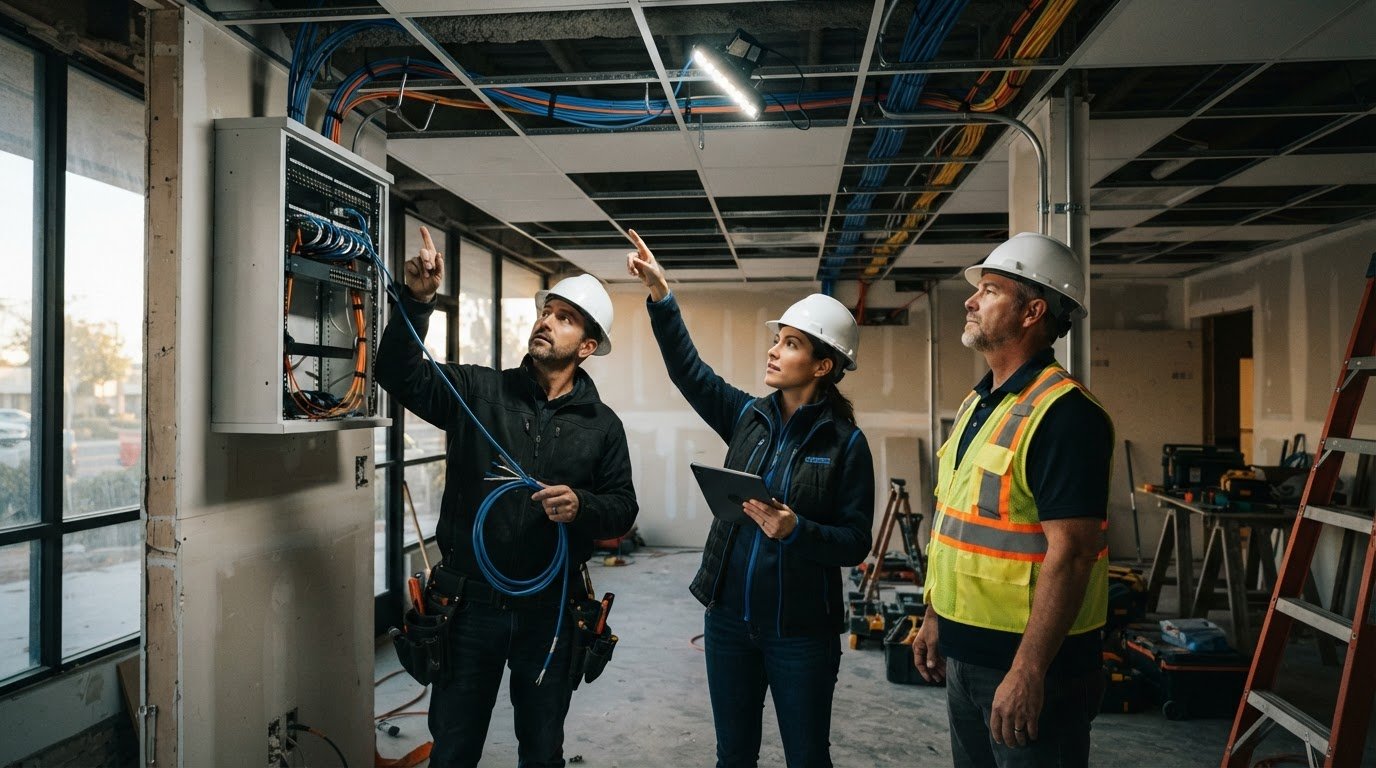
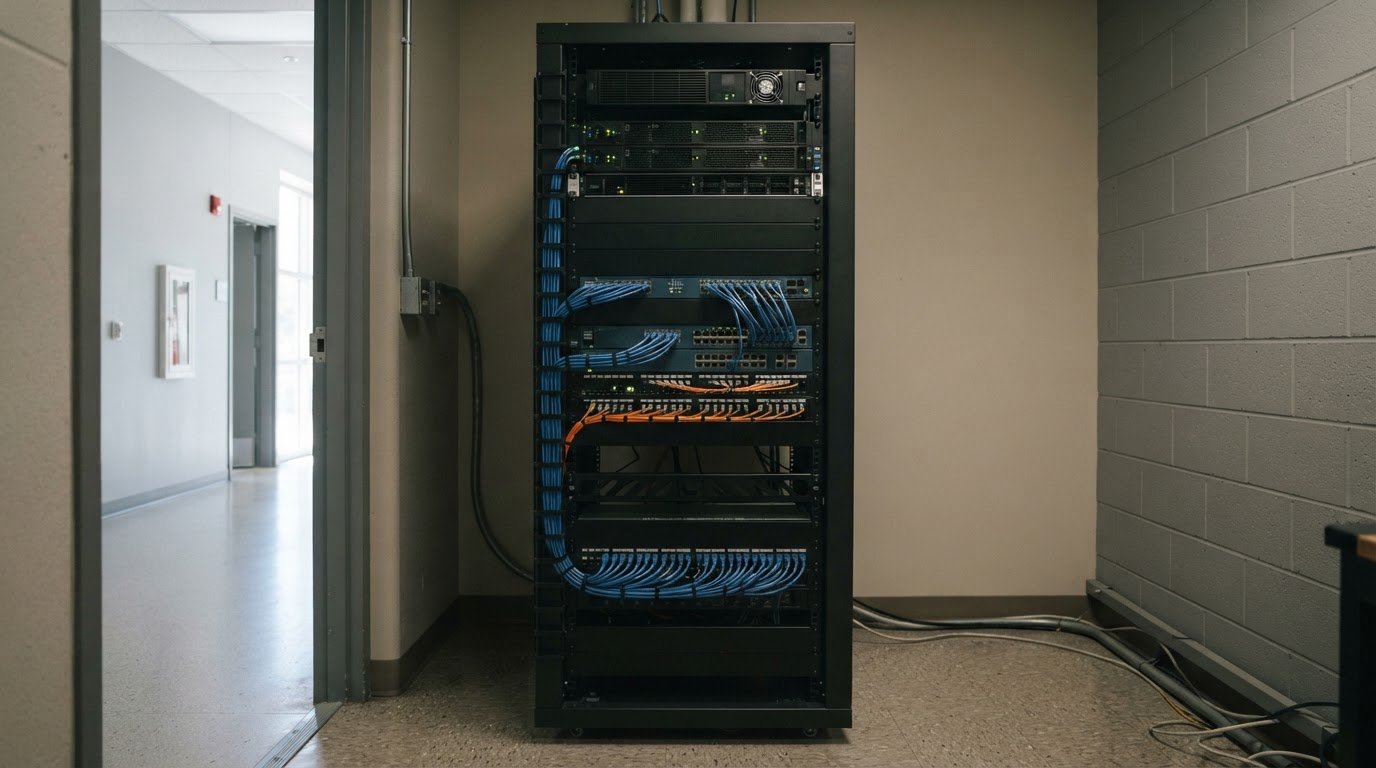
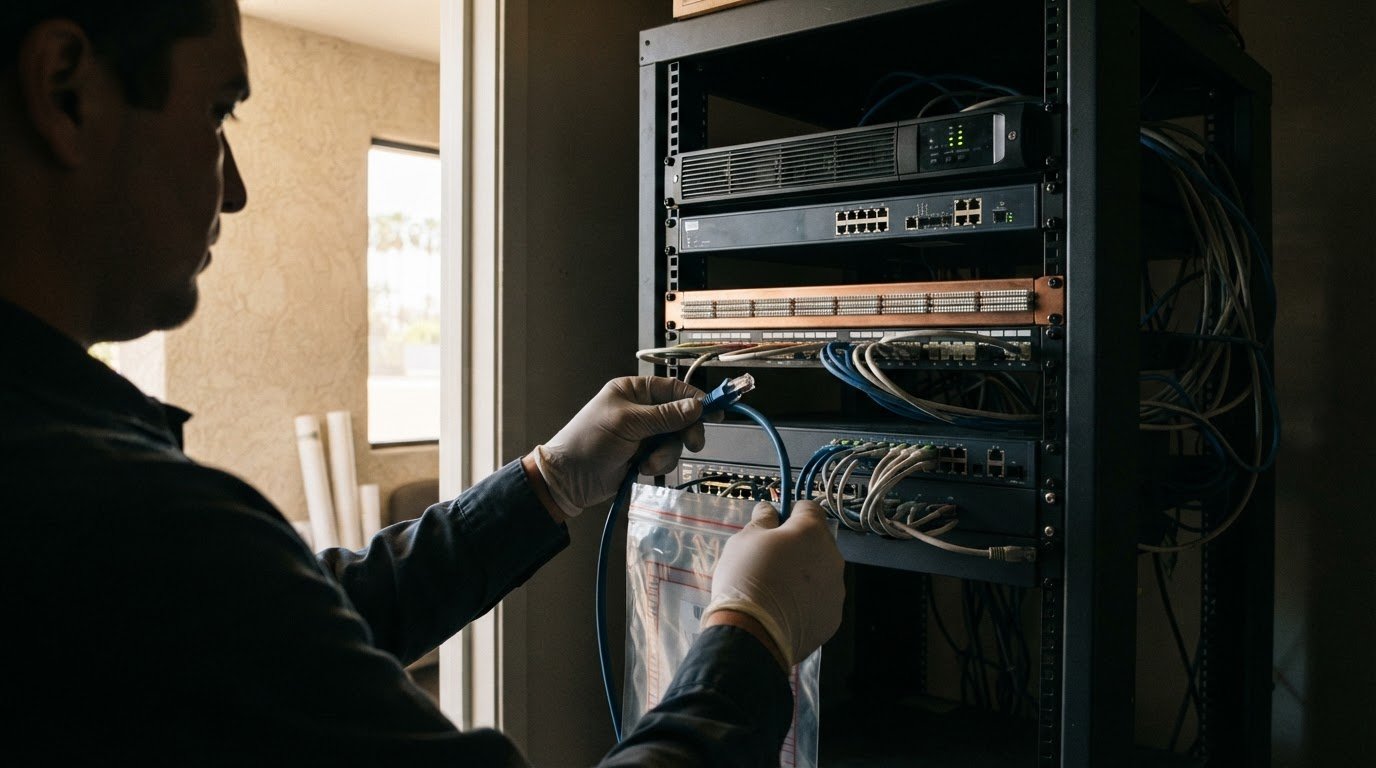
A well-managed installation starts with a defined scope: existing equipment, required devices, cabling routes, Wi-Fi coverage, and business priorities. The project lead coordinates purchasing, inventory, installation, testing, and handoff. Tracking each access point, switch, and patch cable, for example, helps identify missing equipment before installation. Clear labels on cables and connections also make later support easier.
When comparing Brea installers, look at how they plan and document the work. Ask about the project scope, schedule, coordination with office operations, installation testing, and handoff documentation for network connections and equipment. Find out how changes identified onsite are handled. These details let you compare the process, not just the equipment list.
Business network installation costs depend on the project scope, equipment, cabling routes, Wi-Fi coverage, and condition of the existing infrastructure. An office with usable cabling may need a different plan from one requiring new cable runs or additional network devices. A detailed assessment ties the estimate to the work involved.
In Brea, look for business IT companies that handle network planning, installation, and ongoing support. Managed IT services typically place day-to-day technology support with a provider; co-managed arrangements divide that work with your internal IT team. Compare how each approach covers endpoint protection for user devices and network monitoring for connectivity or equipment issues.
No single setup timeline fits every Brea office. The schedule depends on project scope, equipment purchasing and delivery, cabling access, and coordination with staff. A project plan should identify these dependencies and sequence installation, testing, and the support handoff.
Office networks, Wi-Fi, and structured cabling
A dependable office network brings together wired connections, wireless access, and compatible equipment. During planning, the installer maps workstations, printers, conference rooms, and shared devices to determine where structured cabling and wireless access points belong. This layout also guides connections among switches, routers, and office equipment.
Wi-Fi planning should account for walls, room layouts, and where employees work. A conference room at the far end of an office may need different coverage from an open workspace. The installer can assess these areas and plan access point placement alongside wired connections. For a relocation, include network equipment and cable routing in the move plan rather than leaving them until the last minute.
Network cabling and electrical work are separate parts of an office project. If a cable route depends on building changes or electrical work, coordinate the installer, property manager, and relevant trades before scheduling installation. Labeling connections and recording equipment locations also makes move-in and support handoff easier.
Permit and building requirements depend on the project and property. Work involving electrical systems or building alterations may require specific approvals, so review requirements with the City of Brea and property manager before work begins.
For office moves, schedule equipment relocation and network cutover around building access and business hours. Confirm who handles disconnecting, transporting, reconnecting, and testing each device, then set a support window for the transition. Brea offices with multiple locations should also coordinate site access and support coverage across each address. A structured network plan can help connect cabling, Wi-Fi, and move logistics into one project.
Existing infrastructure assessments
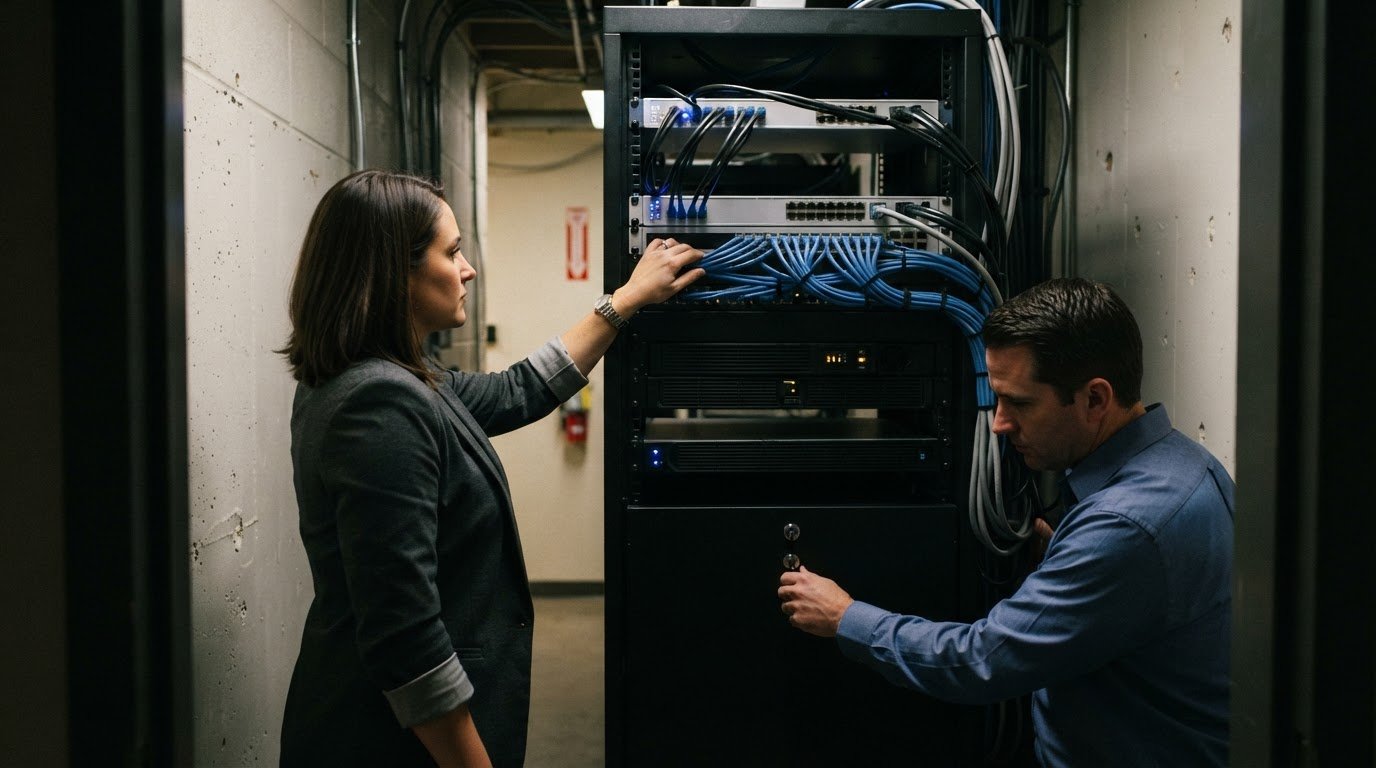
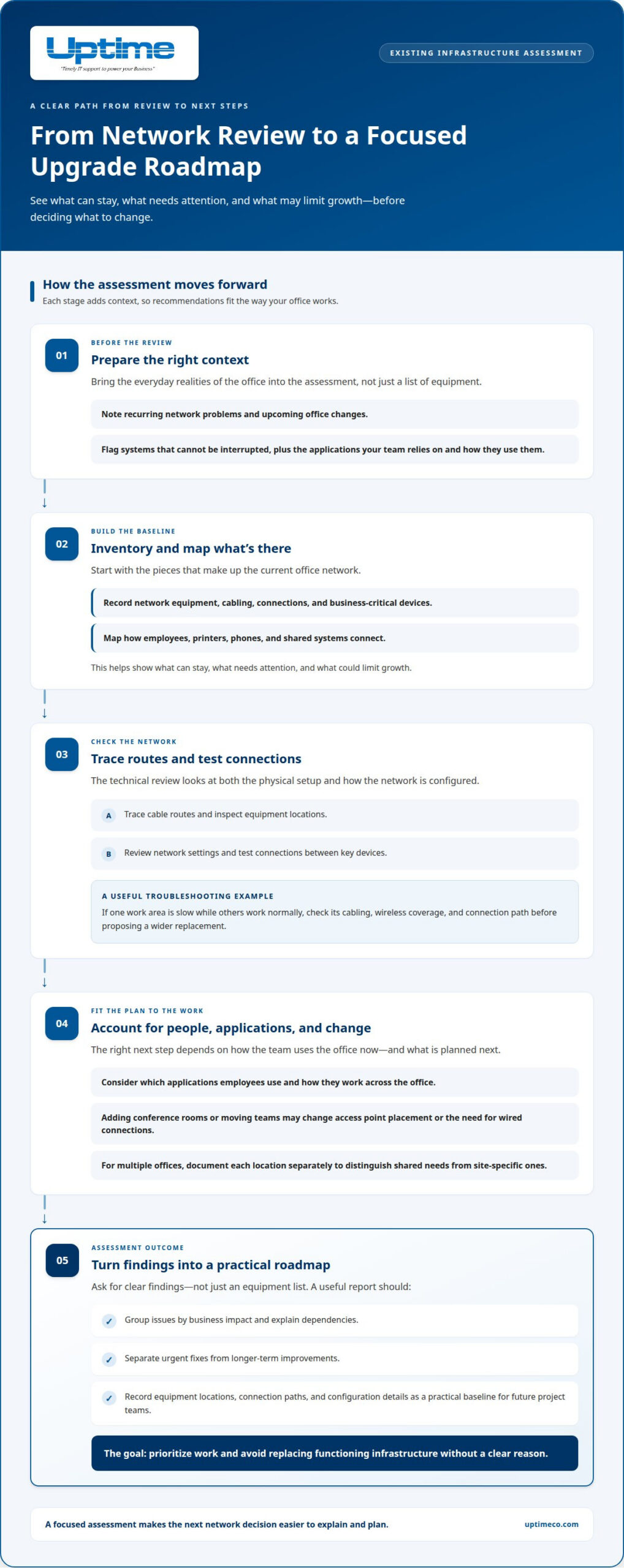
An assessment gives a Brea office a clear picture of what can stay, what needs attention, and what could limit growth. It starts with an inventory of network equipment, cabling, connections, and business-critical devices. The assessor also maps how employees, printers, phones, and shared systems connect. This helps distinguish a capacity problem from a faulty device or an outdated layout.
Next, the technical team examines the network’s physical and logical design. They trace cable routes, inspect equipment locations, review network settings, and test connections between key devices. If one work area has slow access while others work normally, for example, the team can investigate its cabling, wireless coverage, and connection path before proposing a wider replacement.
The assessment should also reflect how your team works: which applications employees rely on, how they use them across the office, and what changes are planned. Adding conference rooms or moving teams may call for different access point placement or more wired connections. For businesses with multiple offices, documenting each location separately helps distinguish shared requirements from site-specific ones.
Ask for clear findings, not just an equipment list. A useful report groups issues by business impact, explains dependencies, and separates urgent fixes from longer-term improvements. It should record equipment locations, connection paths, and configuration details to give future project teams a practical baseline. This helps leaders prioritize work and avoid replacing functioning infrastructure without a clear reason.
Prepare for the review by identifying recurring network problems, upcoming office changes, and systems that cannot be interrupted. Then plan a professional infrastructure assessment to turn those details into a focused upgrade roadmap.
Uptime: Network Infrastructure
Uptime Co. helps Brea businesses plan and implement network infrastructure around their existing systems and needs. Turn to its Network Infrastructure service when planning a new setup, upgrading equipment, relocating, or acting on assessment findings. To get started, outline your current network, office plans, and recurring connection issues so the project can focus on your priorities.
For ongoing technology needs, Managed IT Services support day-to-day IT operations, while Cybersecurity Solutions and Cloud Services address related security and cloud requirements. Considering these needs together helps align infrastructure decisions with the systems your team relies on.
Ready to discuss your office network? Contact Uptime Co. to talk through your project.
Build a network that’s ready for what’s next
Keep your business goals in view when making infrastructure decisions. Your network should support how your team works today while leaving room for new tools, changing workflows, and growth. Before moving forward, identify the priorities and systems the network needs to support. This gives the project a clear direction.
Uptime can help connect network planning with broader technology needs through Network Infrastructure, Managed IT Services, Cybersecurity Solutions, and Cloud Services. If you’re ready to discuss your office’s next steps, contact Uptime about your network. A focused conversation can help you move from questions to a practical plan for network infrastructure setup in Brea. Take the next step when you’re ready, and build with confidence.
Frequently Asked Questions
What network infrastructure setup services are available in Brea, CA?
For Brea businesses, network infrastructure setup can mean building a new network or changing an existing one. Uptime’s Network Infrastructure service is a starting point for these business projects. Before discussing the scope, decide whether you need a new office connection, an upgrade, or a solution to a specific network issue. That focus makes the conversation practical.
What steps do professionals take to plan and install a business network?
A well-run project turns business needs into a plan, coordinates the work, and confirms the result. Name someone on your team to approve decisions and keep staff informed. Also agree on what the handoff should include, such as who manages network access and where employees should report issues.
What network cabling standards and equipment should a Brea business use?
No single cable or equipment choice suits every Brea office. The right selection depends on how your business uses its network and what the building can support. Ask for a plain-language explanation of the proposed options and how each meets the project’s needs. That makes it easier to judge whether the recommendation fits.
What cybersecurity and backup measures should be included in a new network setup?
Plan for both protection and recovery. Cybersecurity measures help protect systems during normal operations, while backups support data recovery after a loss. They serve different purposes, so one should not be treated as a substitute for the other. Ask the project team to explain how your business would access recovery support and who would coordinate the process.
How long does a typical business network setup take in Brea?
Every Brea office has a different project timeline. The schedule depends on scope, equipment purchasing and delivery, cabling access, and staff coordination. The project plan should sequence installation, testing, and handoff.