Your business conversations shouldn’t splinter across tools. Choosing a Brea unified communications provider can help connect business calling, messaging, video, voice, data, and employee devices in a coordinated system. The goal is simple: make it easier for your team to move between conversations and work from the devices they use.
When calls, messages, meetings, and information sit in separate places, everyday work can become harder. A communications setup should fit how your people work, rather than add friction. This guide explains what unified communications can bring together and what to consider when planning the features, network, and support for a Brea business. Start with an inventory of the channels your team uses, where handoffs stall, and which devices need access. That gives you a practical foundation for a more connected communications plan.
Key Takeaways
- Map how your team uses calls, messages, and video to spot where separate tools slow communication.
- Assess internet needs, plan details, and pricing factors together when shaping a communications setup.
- Think through how voice and data should work across your devices and business locations.
- Explore how managed IT, cybersecurity, cloud services, and network infrastructure can support your communications needs.
Business calling, messaging, and video conferencing
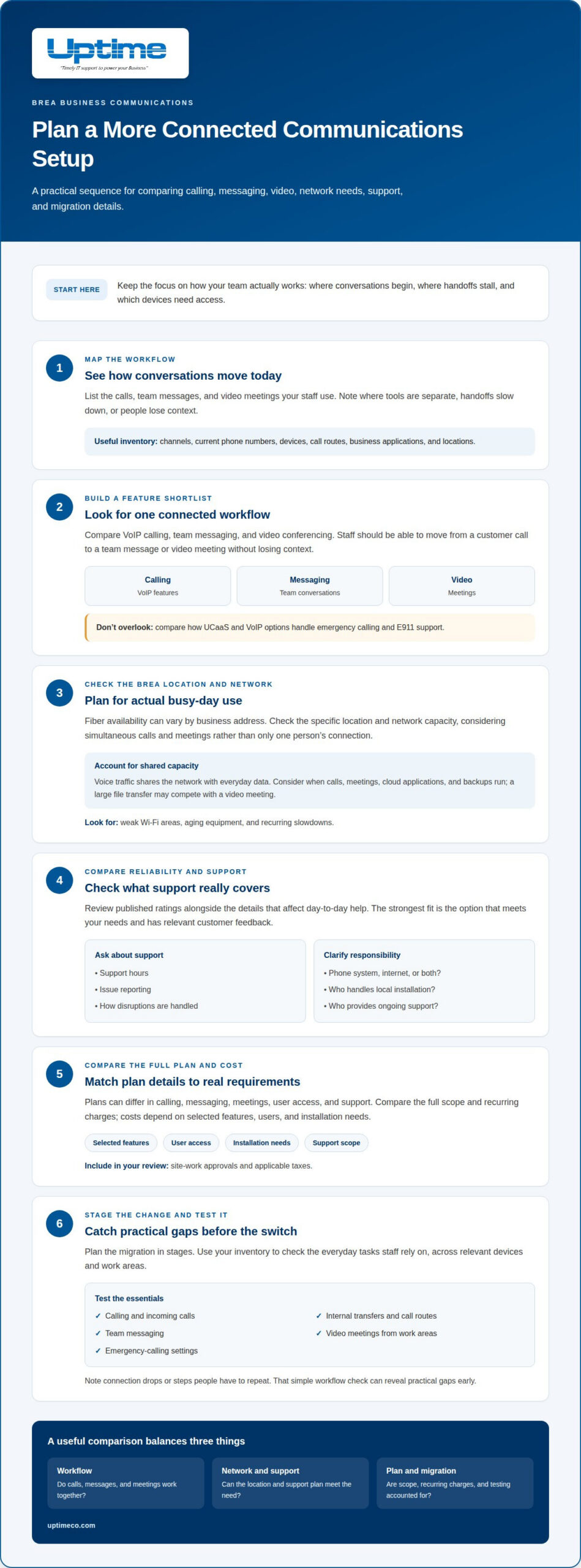
For a Brea business, unified communications can bring calls, team messages, and video meetings together over an internet connection. Compare features, address-level fiber availability, support terms, and migration steps before choosing a plan.
Calling, messaging, and video features
A useful shortlist covers VoIP calling, team messaging, and video conferencing in one workflow. For example, staff should be able to move from a customer call to a team message or video meeting without losing context. The best-rated option is the one that fits your needs and has strong, relevant customer feedback. Compare UCaaS and VoIP features, including how each handles emergency calling and E911 support.
Provider reliability and customer support
Compare published ratings alongside practical details: support hours, issue reporting, and how service disruptions are handled. Ask whether support covers the phone system, internet connection, or both. Fiber availability in Brea can vary by business address, so assess the actual location and network capacity before planning video calls. For speed needs, consider simultaneous calls and meetings, not just one user’s connection. Review who handles local installation and ongoing support.
Plans and pricing
Communications solutions can differ in calling, messaging, meetings, user access, and support. Compare the full scope and recurring charges, since costs depend on selected features, users, and installation needs. Before a change, list existing numbers, devices, call-routing requirements, and key contacts. Plan the migration in stages, then test calling, messaging, video, and emergency-calling settings. Include site-work approvals and applicable taxes in your review.
For district-related coordination, the Brea Olinda Unified School District Assistant Superintendent of Business Services can be reached at 714-990-7827; keep that contact available when reviewing communication needs.
Integrated voice and data communications
Integrated voice and data communications let calls and business applications work across a coordinated network. For example, a salesperson might speak with a customer while viewing an order on a laptop, then send a follow-up message to the team. A Brea unified communications provider can help align the technology with your team’s workflows.
Across multiple locations, a shared setup can help staff use the same business systems. A Brea office and a second site might use networked phones for calls and computers for video meetings, file access, and messaging. Devices also serve different tasks: a desk phone, laptop, or mobile phone may suit different roles. A Brea unified communications provider can use those role and location needs to inform the setup.
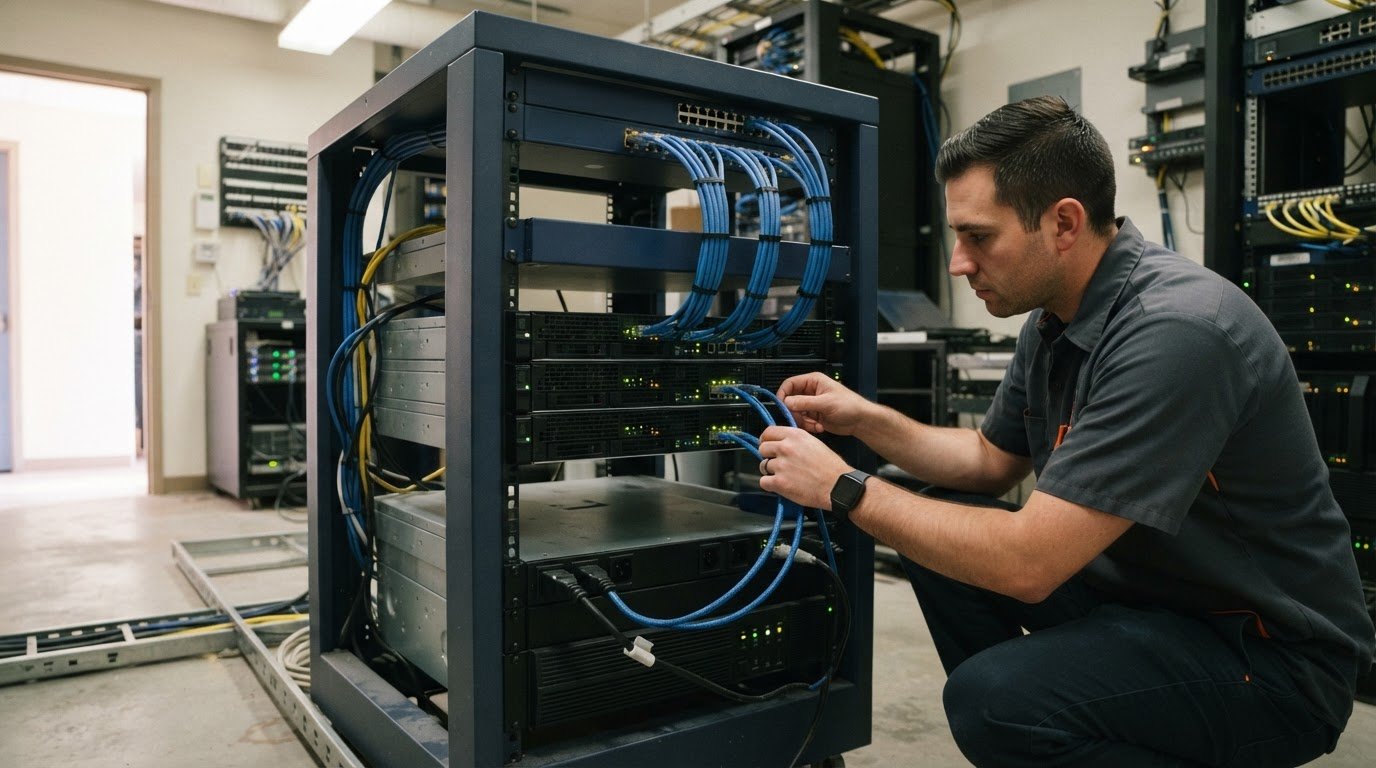
Voice traffic and everyday data share network capacity, so consider what happens during busy periods. A large file transfer, for instance, may compete with a video meeting. Review when calls, meetings, cloud applications, and backups run. Identify weak Wi-Fi areas, aging equipment, and recurring slowdowns to help shape a network design around actual work patterns.
Before making changes, document phone numbers, call routes, business applications, and locations. Use the inventory to test incoming calls, internal transfers, and video meetings from each work area. This review helps a Brea unified communications provider plan around your business network and daily workflows.
Mobile and desktop apps and desk phones
A mobile app can keep a business number accessible when an employee is away from their desk. For example, a salesperson can answer a customer call on a phone, then use a desktop app to review messages and follow up. Check how each app handles calling, presence, voicemail, and switching devices. Choose a connection that supports the way each role works.
Desk phones remain useful at reception, shared workstations, and for employees who prefer a physical handset. A receptionist might transfer incoming calls from a desk phone, while a manager uses a laptop app during focused work. Match devices to tasks instead of giving everyone the same setup.
Before selecting VoIP Phone Systems, map the devices your team already uses, including company laptops, personal mobile phones, headsets, and shared desk phones. Then test a typical workday: answer a call on one device, move to another, check voicemail, and join a video meeting. Note connection drops or steps staff have to repeat. This simple workflow test can reveal practical gaps early.
Also review access controls and device policies. Decide which employees can use personal phones, how lost devices are handled, and who manages app settings. A clear setup can make communications easier to manage across offices and remote work. Discuss VoIP phone system needs as part of your communications planning.
Brea Olinda Unified School District’s main phone number is 714-990-7800, and the superintendent’s phone number is 714-990-7824. Keeping these contacts distinct in an app or directory can help staff select the intended destination.
Brea Junior High in Brea, California, can be reached by phone at 714-990-7500; Brea Canyon High in Brea, California, can be reached by phone at 714-990-7882. Brea Country Hills in Brea, California, can be reached by phone at 714-990-3221, while Brea Olinda High in Brea, California, can be reached by phone at 714-990-7850. Clear labels can make these numbers easier to choose when placing calls from a mobile or desktop app.
Uptime
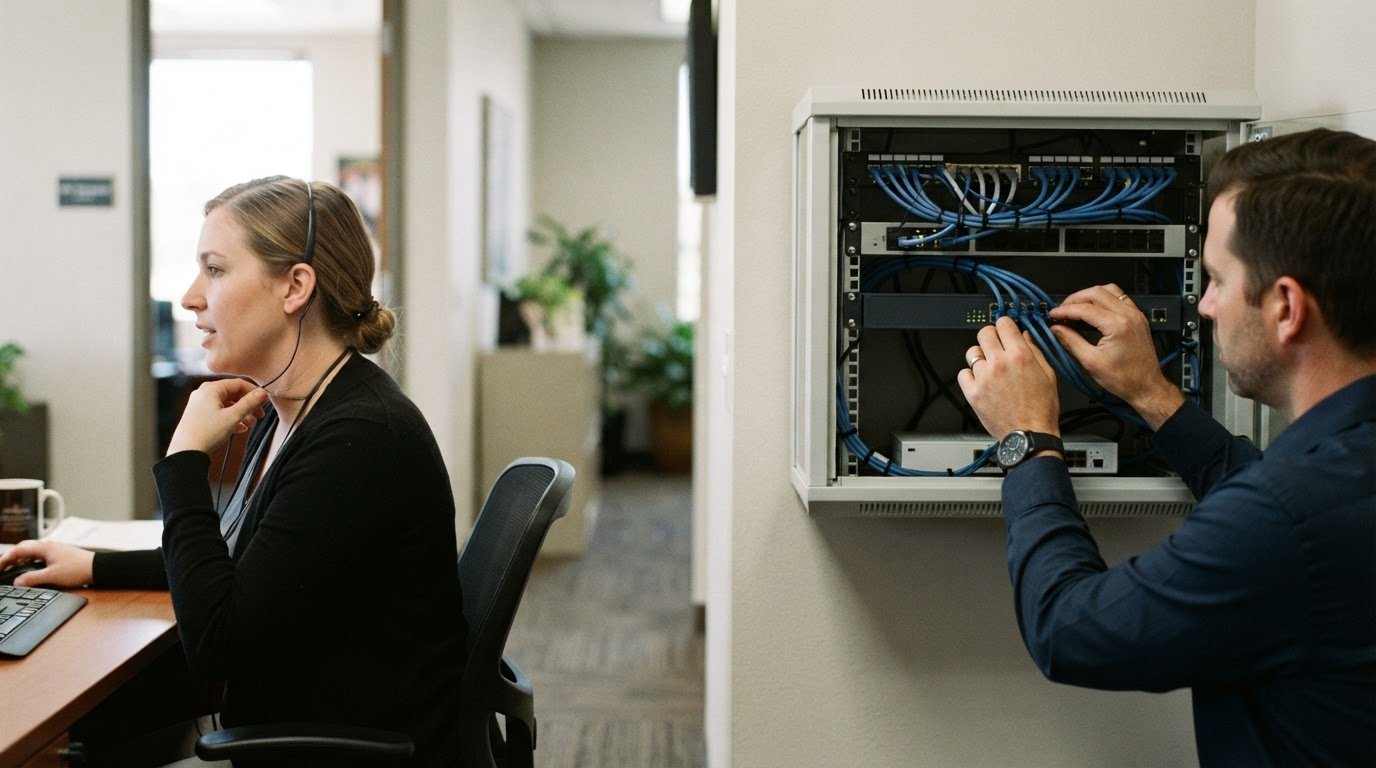
Once you’ve mapped how calls, apps, and devices fit together, Uptime Co. can help manage the technology behind the setup. Managed IT Services support day-to-day business technology management, while Network Infrastructure helps align the underlying network with communications needs. A Brea company connecting office and remote staff can discuss how its current systems support that work.
Cloud Services may be relevant when business tools or data rely on cloud environments. Cybersecurity Solutions help build security into the broader technology plan. Consider how employees access communication tools, which systems handle business information, and where network access needs attention. These details keep the discussion focused on your operating needs.
Bring a simple outline to the discussion: the tools your team uses, the devices involved, the locations to support, and the network issues affecting calls or meetings. Include upcoming technology changes. Uptime Co. can discuss relevant Managed IT Services, Cybersecurity Solutions, Cloud Services, or Network Infrastructure based on your needs. Start with the issues that affect communication most.
If you’re ready to explore a practical next step for your business communications, contact Uptime Co. for a conversation. There’s no pressure. Bring your questions and current priorities, and start with the challenge you most want to solve.
Make your next communications move
Choose a setup that supports how your team works today and can adapt as needs change. Before moving forward, identify the communication gaps that matter most and align the next step with your priorities. A Brea unified communications provider should fit into your wider technology plan, so communications decisions work alongside your other business systems.
Uptime Co. can support that wider plan through Managed IT Services, Cybersecurity Solutions, and Cloud Services. Bring your goals and the challenges you want to solve to the conversation. That gives you a clear starting point for deciding what to address first.
Ready to talk through your needs? Contact Uptime Co. to discuss your needs. Take the next step with confidence, one practical decision at a time.
Frequently Asked Questions
What are the monthly prices and contract terms for unified communications in Brea?
Monthly pricing depends on the users, features, and setup your business needs. Uptime Co. offers flat-rate, predictable pricing, with recurring monthly charges for VoIP and communications services. For an Orange County business, review the included features, implementation work, billing schedule, renewal terms, and cancellation conditions together to understand the commitment before moving forward.
What internet speed and network requirements are needed for unified communications in Brea?
Assess capacity for simultaneous calls and meetings, not just one user’s connection. Review weak Wi-Fi areas, aging equipment, recurring slowdowns, and the timing of calls, meetings, cloud applications, and backups.